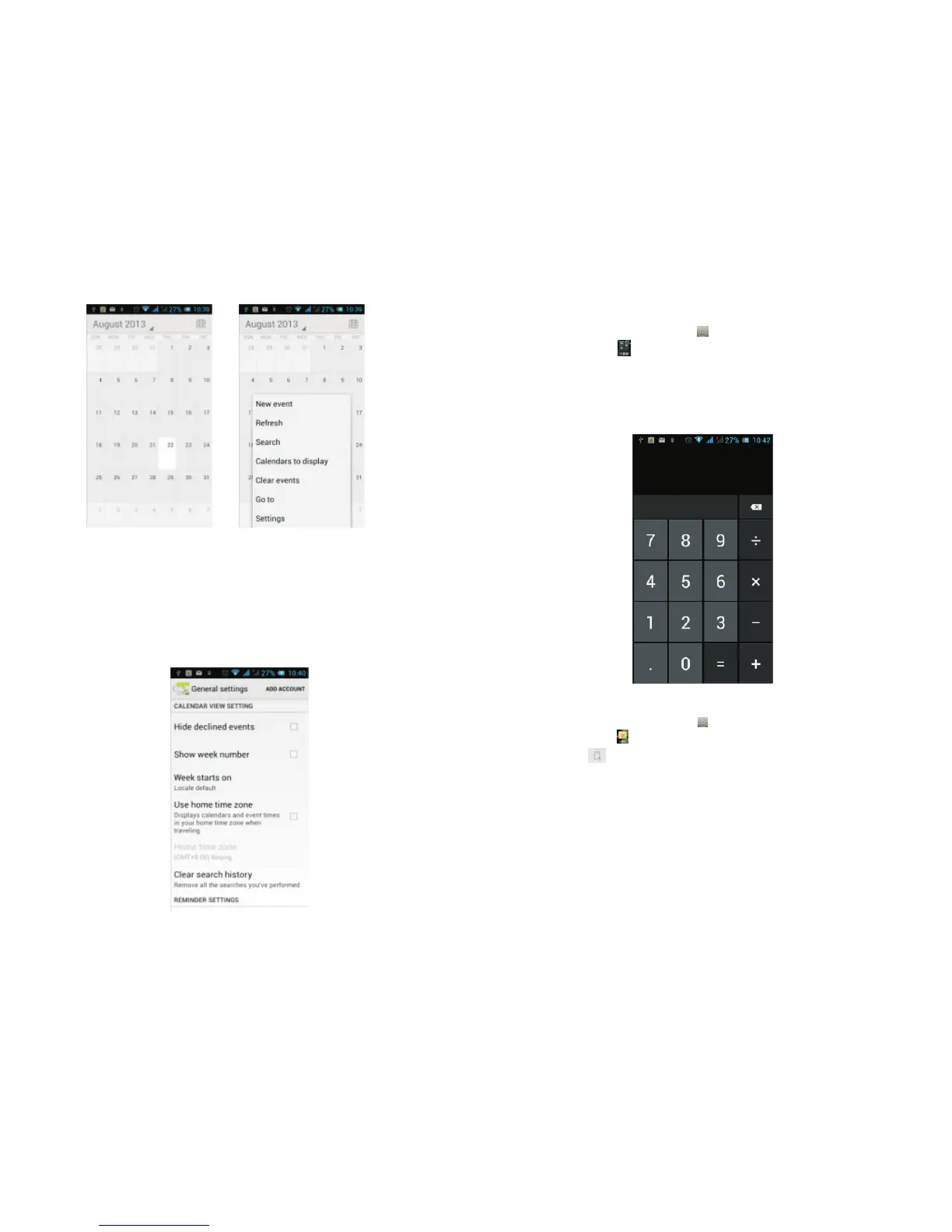
In the calendar interface, sliding up and down, you
can view the previous month and next month's
calendar, click the menu key to select a new activity,
refresh, search, set, and other related operations.
Settings can be set in the calendar view and for
reminders. Figure:
3.13 Calculator
On the main screen, tap to see installed applications,
and then click to access the calculator.
Your phone provides you a calculator with the four
basic functions, allowing you to perform simple
arithmetic. Press X to clear the recent input or the
result.
3.14 Notepad
On the main screen, tap to see installed applications,
and then click to open Notepad.
Click on to add a new Note.
Click the "Uncategorised" area to categorise the
newly added Note, mainly divided into work items,
personal matters, family matters and learning issues.
.
..
.
.
..
21 22



 To Next Page