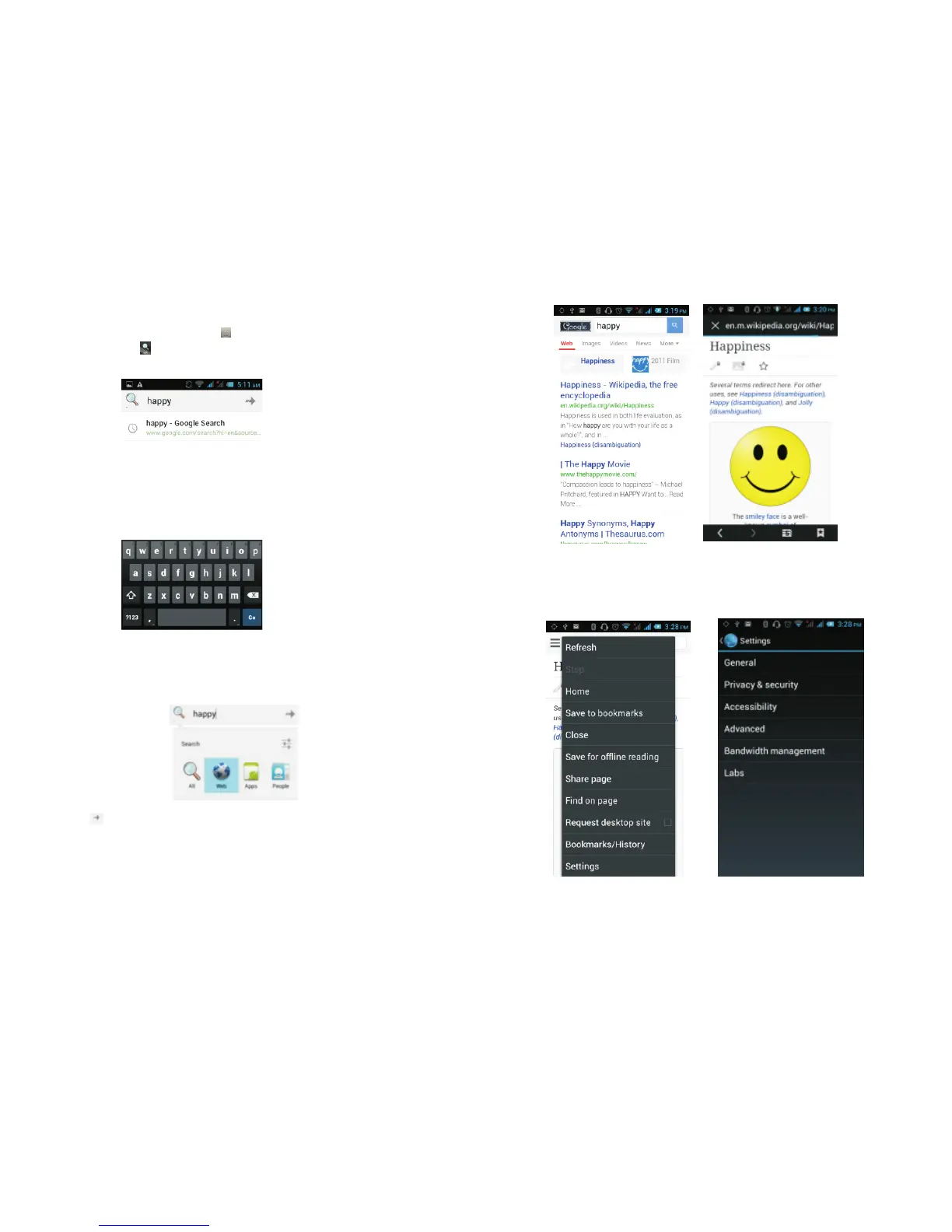
3.18 Searching
On the main screen, tap to see installed applications,
and then click to enter the search interface:
Enter the content you want to search, then click the
Search key, select the type of search you want, such
as web pages, contacts, etc:
Click , to see the search results:
.
.
...
Clicking on the menu key on the main page, you can
refresh, close, save to bookmark, share web pages,
check settings, etc.
27
28



 To Next Page