Flight Mode
Mute Mode
Activate USB
Access Restricted
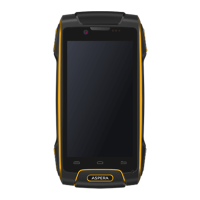
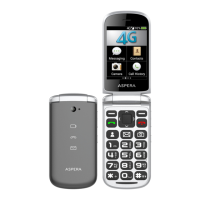
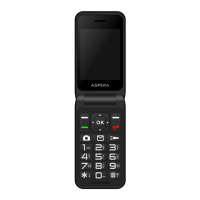
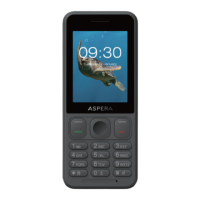
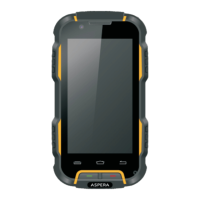
2.2 Phone Layout
1
2
3
4
5
6
7
8
9
10
11
12
13
Keys Instructions
①Call
Key
Press this key to enter the call record
interface and dial out.
②End
Key
Press this key to hang up in the call
interface
③Menu
Key
In any mode, press this key to display
the current menu options.
④Return
Key
Return to the previous menu.
⑤ÝHome
Key
In the standby state, press this key and
be taken directly back to the standby
interface. Long press to open recent
tasks.
⑥Power
Key
Long press this key to turn off/on.
Short press this key to lock/unlock the
phone and light the screen.
⑦USB
Jack
Headset and USB jack
⑧Camera
Key
Press this button to enter the camera
viewfinder interface, then to take
photos.
⑨SOS
Key
Long press to dial emergency number
and send a message for help.
⑩Volume
Key
During a call or in the audio play
interface press the two side keys
to adjust the volume.
⑾Camera Camera, video recorder
⑿Flashlight Camera flashlight, open the flashlight
5
6


 To Next Page