The baery needs to be
recharged when the unit
produces a decreased
vapor and/or the baery
Orange indicator light
blinks 10 mes.
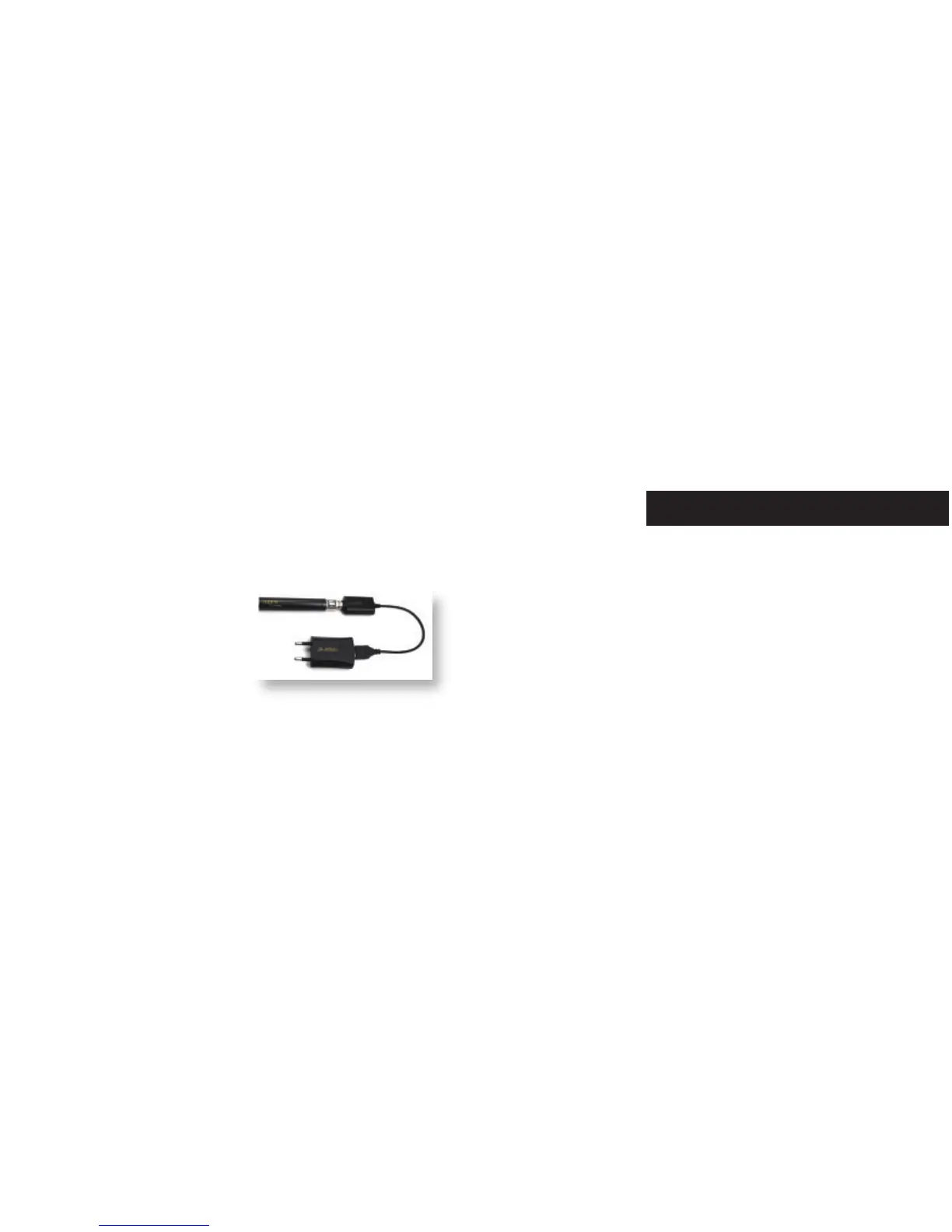
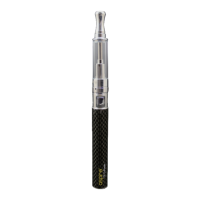
To charge the baery: Unscrew the baery from the vaping
components and gently screw baery into the dedicated USB
charger provided in the kit. Plug the USB into the supplied A/C
adaptor or computer. The baery will flash 3 mes and then
turn solid in color (Orange light in 3.2-3.5V, Blue light in
3.5-4.15V). The light on the USB charger will be red when
charging. It takes approximately 3 hours for the baery to
charge. Once fully charged, the USB charger will display a green
light, and the LED light on baery will turn off.
Charging the baery


 To Next Page