33
English
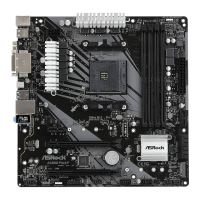
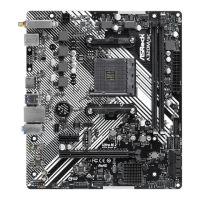
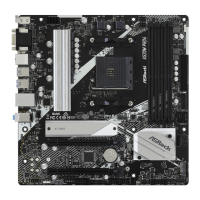
AB350M Pro4
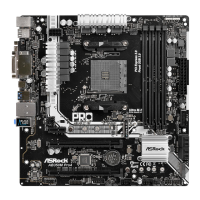
A320M Pro4
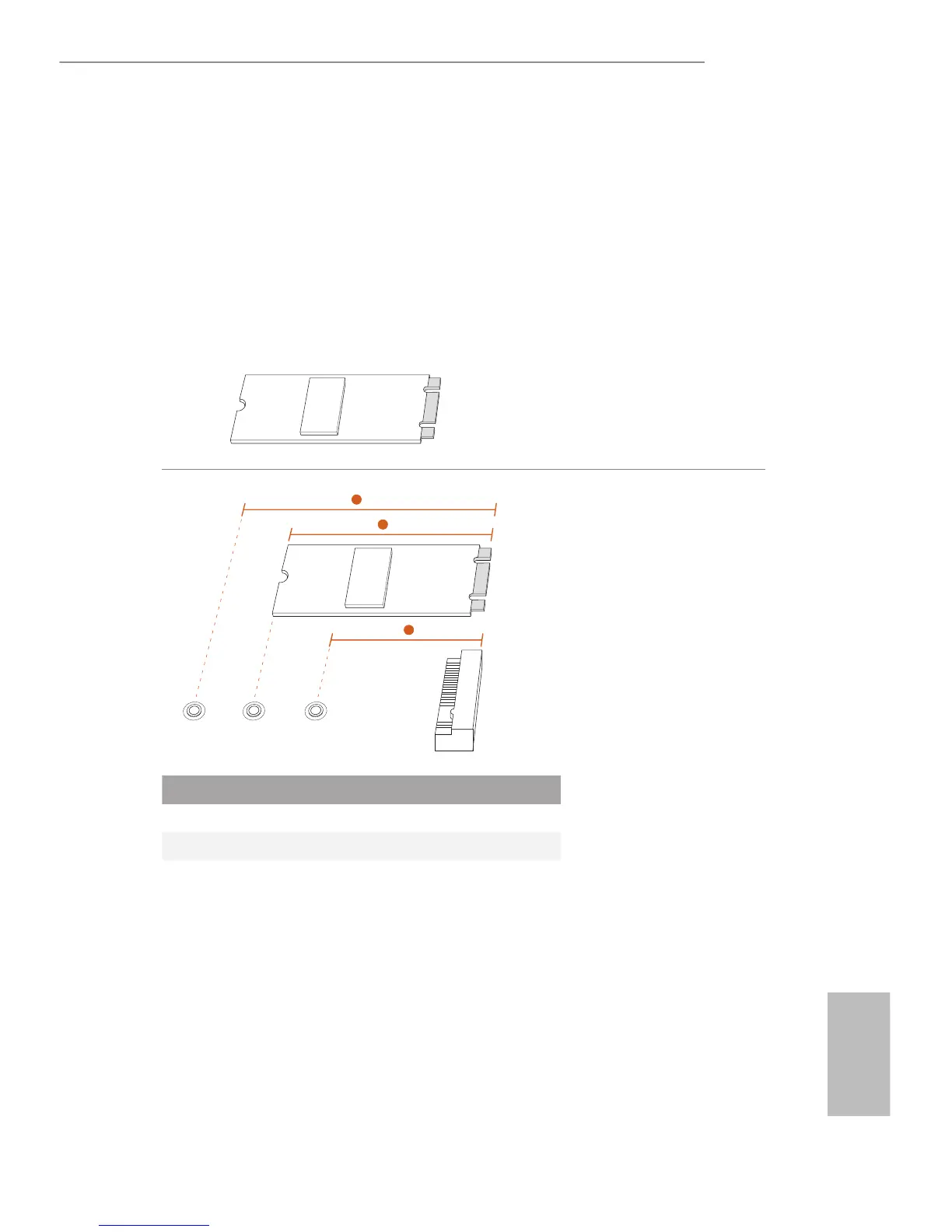
2.7 M.2_SSD (NGFF) Module Installation Guide (M2_1)
The M.2, also known as the Next Generation Form Factor (NGFF), is a small size and
versatile card edge connector that aims to replace mPCIe and mSATA. The Ultra M.2
Socket (M2_1) supports type 2242/2260/2280 M.2 PCI Express module up to Gen3 x4 (32
Gb/s) (with Ryzen CPU) or Gen3 x2 (16 Gb/s) (with A-Series APU).
Installing the M.2_SSD (NGFF) Module
Step 1
Prepare a M.2_SSD (NGFF) module
and the screw.
Step 2
Depending on the PCB type and
length of your M.2_SSD (NGFF)
module, nd the corresponding nut
location to be used.
No. 1 2 3
Nut Location A B C
PCB Length 4.2cm 6cm 8cm
Module Type Type 2242 Type2260 Type 2280
1
2
3
ABC



 To Next Page