4242
4242
42
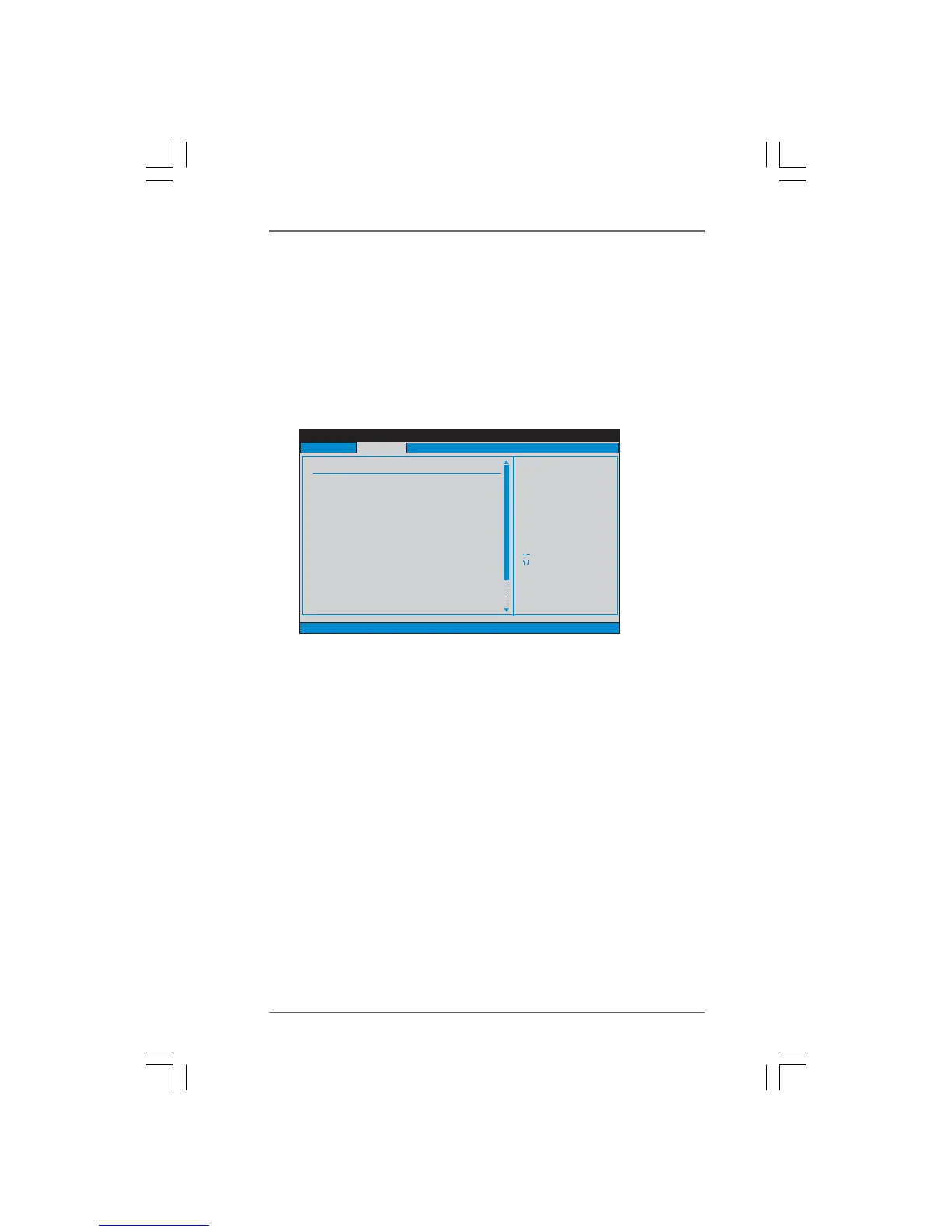
BIOS SETUP UTILITY
CPU Configuration
Select Screen
Select Item
+- Change Option
F1 General Help
F9 Load Defaults
F10 Save and Exit
ESC Exit
v02.54 (C) Copyright 1985-2003, American Megatrends, Inc.
Advanced
Select Screen
Select Item
+- Change Option
F1 General Help
F9 Load Defaults
F10 Save and Exit
ESC Exit
CPU Frequency (MHz)
PCIE Frequency (MHz)
Overclock Mode
[200]
[100]
[Auto]
Spread Spectrum
Enhanced Halt State
L3 Cache Allocation
Advanced Clock Calibration
Boot Failure Guard
Cool'n'Quiet
Secure Virtual Machine
[Auto]
[Enabled]
[Auto]
[Enabled]
[Disabled]
[Auto]
[Disabled]
Select the over clock
mode.
Processor Maximum Frequency
North Bridge
Processor Maximum Voltage
Maximum Frequency
x10.5 2100 MHZ
x9.0 1800 MHz
1.2500 V
Multiplier/Voltage Change
[Manual]
Processor Target Frequency
North Bridge Target Frequency
x10.5 2100 MHZ
x9.0 1800 MHz
Processor Frequency
This option appears only when you adopt AM2 CPU. This item will show
when “Multiplier/Voltage Change” is set to [Manual]; otherwise, it will be
hidden. The range of the value depends on the CPU you adopt on this
motherboard. However, for system stability, it is not recommended to ad-
just the value of this item.
Processor Voltage
This option appears only when you adopt AM2 CPU. This item will show
when “Multiplier/Voltage Change” is set to [Manual]; otherwise, it will be
hidden. The range of the value depends on the CPU you adopt on this
motherboard. However, for safety and system stability, it is not recom-
mended to adjust the value of this item.
CPU Frequency Multiplier
This option appears only when you adopt Phenom CPU. However, for
safety and system stability, it is not recommended to adjust the value of this
item.
CPU Voltage
This option appears only when you adopt Phenom CPU. It allows you to
adjust the value of CPU voltage. However, for safety and system stability,
it is not recommended to adjust the value of this item.
North Bridge Maximum Frequency
This option appears only when you adopt Phenom CPU. It will display North
Bridge Maximum Frequency for reference.
Processor Maximum Voltage
It will display Processor Maximum Voltage for reference.
Multiplier/Voltage Change
This item is set to [Auto] by default. If it is set to [Manual], you may adjust the
value of Processor Frequency and Processor Voltage. However, it is
recommended to keep the default value for system stability.




 To Next Page