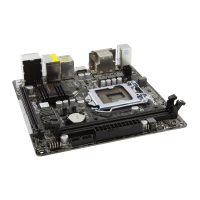
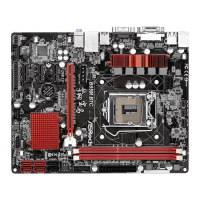
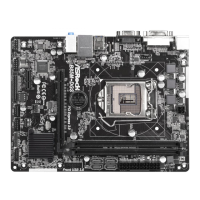
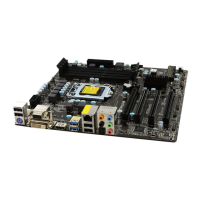
B85M Pro3
79
English
4.4.7 USB Conguration
USB Controller
Enable or disable all the USB ports.
Intel USB 3.0 Mode
Select Intel® USB 3.0 controller mode. Set [Smart Auto] to keep the USB 3.0 driver
enabled aer rebooting (USB 3.0 is enabled in BIOS). Set [Auto] to automatically
enable the USB 3.0 driver aer entering the OS (USB 3.0 is disabled in BIOS). Set
[Enabled] to keep the USB 3.0 driver enabled (Must install driver to use USB devices
under Windows® 7). Set [Disabled] to disable the USB 3.0 ports.
Legacy USB Support
Enable or disable Legacy OS Support for USB 2.0 devices. If you encounter USB
compatibility issues it is recommended to disable legacy USB support. Select UEFI
Setup Only to support USB devices under the UEFI setup and Windows/Linux
operating systems only.
Legacy USB 3.0 Support
Enable or disable Legacy OS Support for USB 3.0 devices. If you encounter USB
compatibility issues it is recommended to disable legacy USB support. Select UEFI
Setup Only to support USB devices under the UEFI setup and Windows/Linux
operating systems only.


 To Next Page