41
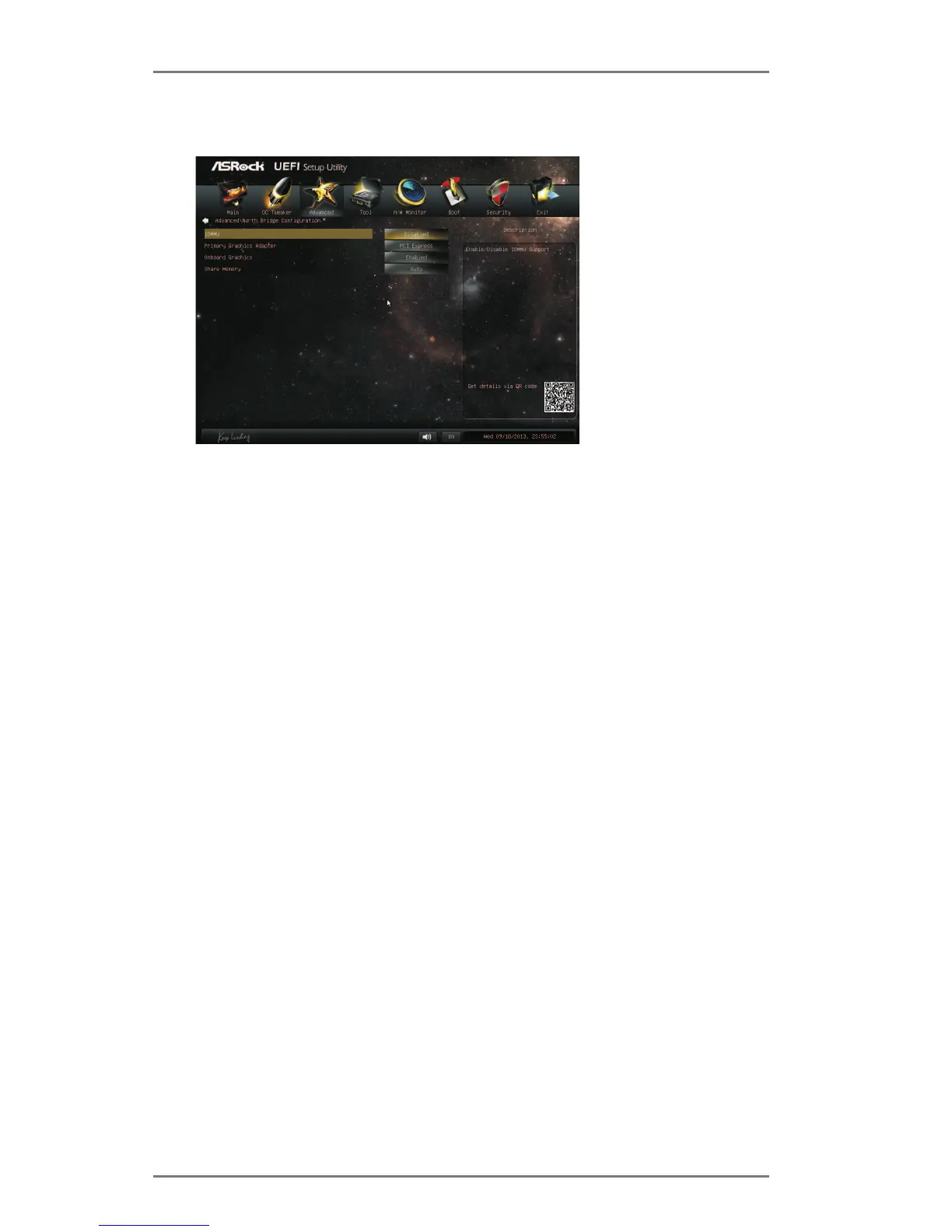
IOMMU
This allows you to enable or disable IOMMU support.
Primary Graphics Adapter
This item will switch the PCI Bus scanning order while searching for video
video controllers. The default value of this feature is [PCI Express]. Con-
Share Memory
This allows you to set the share memory feature. The default value is [Auto].
[1GB] and [2GB].
Dual Graphics
This item appears only when you install AMD RADEON graphics card on
this motherboard. Use this to enable or disable Dual Graphics feature. If
-
lect [Auto], Dual Graphics function will be automatically enabled when you
install AMD RADEON graphics card. The default value is [Auto].




 To Next Page