English
34
3.3.2 Apps
screen for you to download.
Installing an App
Step 1
Find the app you want to install.
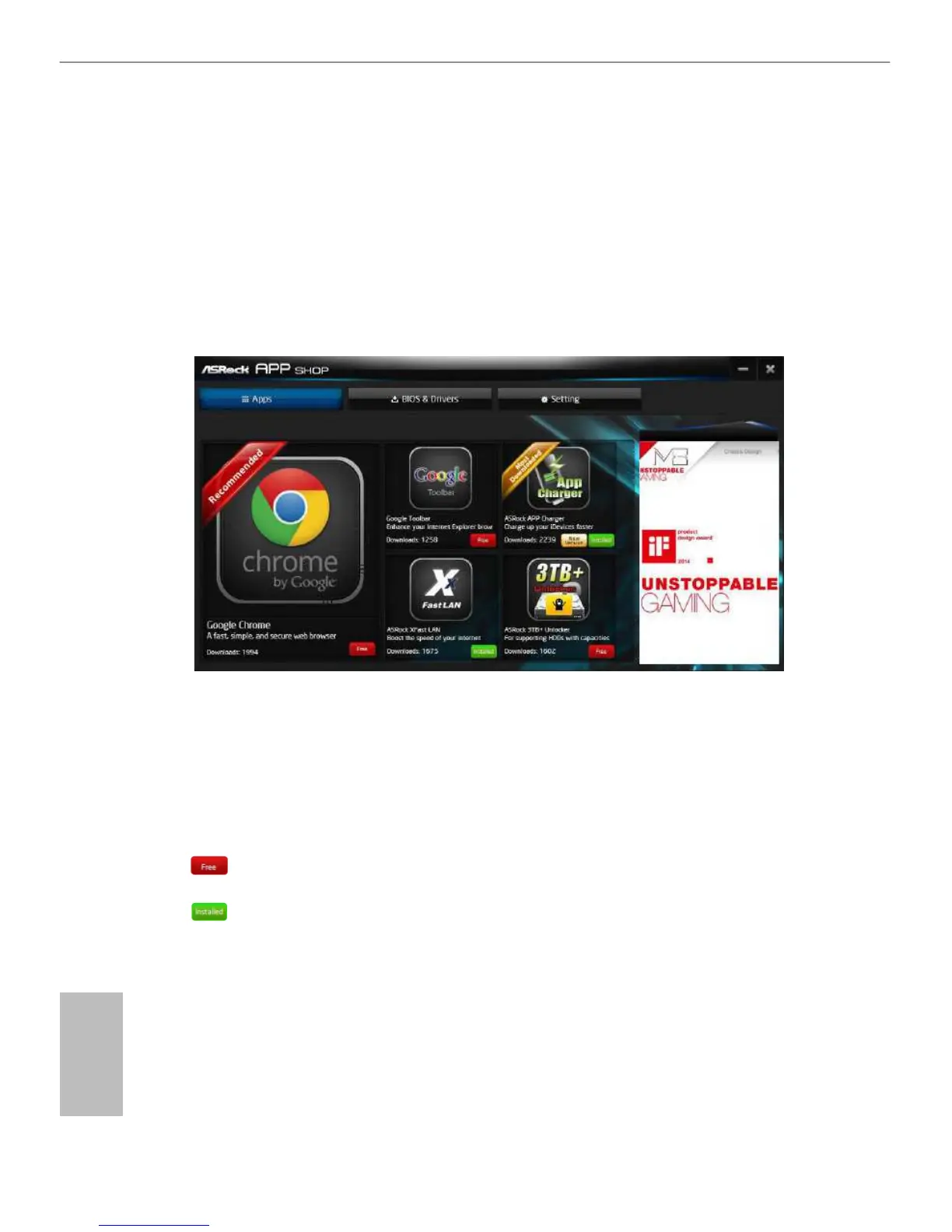
The most recommended app appears on the left side of the screen. The
other various apps are shown on the right. Please scroll up and down to see
more apps listed.
You can check the price of the app and whether you have already intalled it
or not.
computer.
Step 2
Click on the app icon to see more details about the selected app.







 To Next Page