48
English
Tutorial Video
For iOS or Android Mobile Devices users:
Download and install “Orbweb.ME Professional” app from the App Store (iOS) or Play
Store (Android).
Step 1
Tap the “Orbweb.ME Professional” app icon to launch it.
Step 2
Log in with your Orbweb.ME account and password.
Step 3
Tap the Connect icon .
Step 4
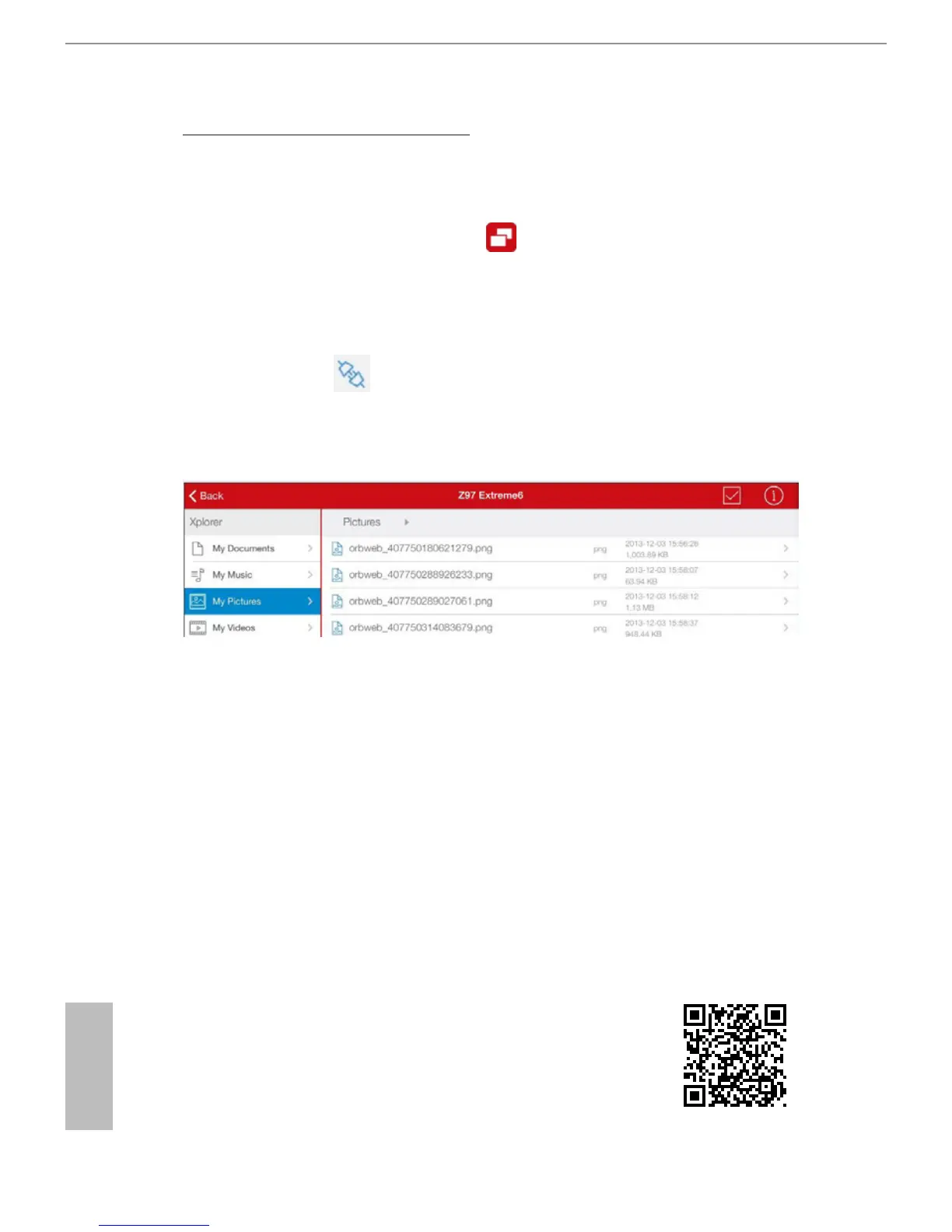
Tap a folder name under the Xplorer section and you can see the les in this folder.
Tap a le name to preivew the le.
You can also delete, rename, move, and copy a selected le. For more instructions
on how to use Xplorer, refer to the user manual of the Orbweb.ME Professional.


 To Next Page
 Loading...