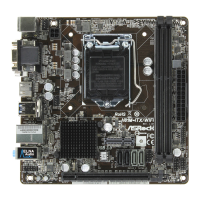
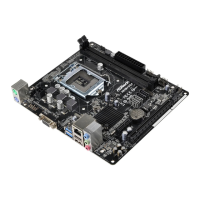
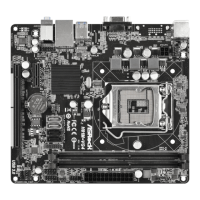
H81M-ITX/WiFi
63
English
Short Duration Power Limit
Congure Package Power Limit 2 in watts. When the limit is exceeded, the CPU
ratio will be lowered immediately. A lower limit can protect the CPU and save
power, while a higher limit may improve performance.
Primary Plane Current Limit
Congure the current limit of the CPU under Turbo Mode in ampere. A lower
limit can protect the CPU and save power, while a higher limit may improve
performance.
GT Frequency
Congure the frequency of the integrated GPU.
GT Voltage Mode
Auto: For optimized settings.
Adaptive: Add voltage to the integrated GPU when the system is under heavy load.
Override: e voltage is xed.
GT Adaptive Voltage
Congure the xed voltage added to the integrated GPU.
GT Voltage Oset
Congure the voltage added to the integrated GPU when the system is under heavy
load.
DRAM Timing Conguration
Load XMP Setting
Load XMP settings to overclock the DDR3 memory and perform beyond standard
specications.
DRAM Frequency
If [Auto] is selected, the motherboard will detect the memory module(s) inserted
and assign the appropriate frequency automatically.


 To Next Page
 Loading...