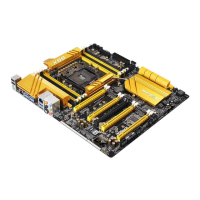
2.9.3 Installing Four SLI
TM
-Ready Graphics Cards
Step 1
Insert one graphics card into the PCIE7
slot, another graphics card into the PCIE5
slot, the third graphics card into the PCIE3
slot and the last graphics card into the
PCIE1 slot. Make sure that the cards are
properly seated on the slots.
Step 2
Connect the auxiliary power source to the
PCI Express graphics card. Please make
sure that both power connectors on the
PCI Express graphics card are connected.
Repeat this step on the three graphics
cards.
Step 3
Align and insert the ASRock 4-Way SLI
Bridge Card to the goldngers on each
graphics card. Make sure the ASRock
4-Way SLI Bridge Card is rmly in place.



 To Next Page
 Loading...