Pando™ Secure Go reader
IS559885940D
About Pando Secure Go reader
Pando Secure Go reader will be referred to as the reader or Pando in this
document.
Pando Secure Go is a Hi-O reader for reading MIFARE Classic, DESFire
applications, iCLASS and SEOS. By default the reader reads serial number
on the cards and the reader can be configured to read e.g a DESFire
application with diversified keys. All configurations are made with a
customer specific Setup card.
Pando Secure Go reader is also capable to handle mobile keys via
Bluetooth and or NFC. The reader is configured with a function card for
Bluetooth reading method and reading distance. Customer-specific
mobile keys are set via a setup card.
Installation
The reader is connected via Hi-O to DAC530, DAC564 and LCU9101.
Indications on the outside of Pando Secure Go
The reader has a green and a red LED . The green LED can also flash
orange. The function for these is described in the table below for the
various phases during configuration and operation.
(1) Flashing orange
Flash for 10 seconds: The reader is waiting for
a setup card or configuration card.
Flashing for 90 seconds: The reader is waiting
for a setup card.
This sequence can be interrupted by holding a
user card in front of the reader for 7 seconds
Indications during operation
Lit at unlocked door and valid mobile card
Green flashing
After pressing key “0” for 0,5 seconds, the
reader is waiting for a phone. Applies in DIP 1
ON mode
Flashing orange
Connects via Bluetooth …….
• Reading mobile card from mobile phone.
Once the mobile card has been read, the
reader beeps and lits up red or green
LED.
• Reads the mobile card from mobile
phone. If you do not get a beep from the
reader, the phone and reader don’t have
• Key “0” pressing for 0,5 seconds.
Lights on, invalid card / mobile card
Common code requested or number entry
Indicators inside the reader
Lights when the reader is uninitialized at the
Hi-O bus. Pando reader is not locked to a specific
Lights when the reader is locked to a specific Hi-
O bus.
The internal indications are switched off in the
reader when the lid is placed on the reader, ie
when the tamper switches are indicated as OK.
Hi-O installation
Connect the CAN bus to CAN-H and CAN-L Connect the power to terminals, + 12V & 0V in the
DAC/LCU.
DIP3 selection of in or out readers. DIP3 OFF = In reader, DIP3 ON = Out reader
DIP1: Unlock immediately or after being touched
BLE readers can be chosen to unlock immediately when it sees a valid mobile phone within
their area or unlock when the reader key 0 has been pressed
DIP1 OFF
The reader unlocks immediately when a valid phone is within the reader's reach. flash
orange then it turns green or red depending on whether you have access to the door or
not.
DIP1 ON
The "0" needs to be pressed 0,5 seconds and a valid phone is within the reader's reach.
There are two different modes
1. (Configuration card ”Advertise” 1 beep)
The reader must be touched for all different mobile modes
2. (Configuration card ”Advertise” 2 beep) ”Default”
The reader must be touched in order for "Seamless mode" to work.
“Tap”, “Twist and Go”and ”Notification” works directly without touching the reader.
When pressing the "0" on the reader for a 0,5 second, the reader will within 5 seconds register
the mobile phone that is within the readers range. Reader flash green after touch and orange
when the mobile phone connects. The reader will then turn green or red depending on
whether or not you have access to the door.
DIP5 ON: Delayed reactions at A and B keys
To delay the A and B key to avoid unwanted maneuvers set the DIP 5 to ON.
DIP8 ON: Extended operating time when using mobile keys
Example: Disarm with a mobile card
Disarm by pressing "A". and make a Twist & Go movement with your phone and enter the PIN
code at the reader's request. The time to perform these three steps has been extended when
DIP 8 is set to ON. The function also works on eg maneuvers 2A, 3A etc.
This function cannot be used for switching relay-switched alarms on or off. In this case, DIP 8
needs to be set to OFF.
The DIP8 function does not need to be used after LCU FW version AAx.x.xx_ACP-3.1.1-xxxx
Technical specifications
12-24V DC (min 10.8V, max 27,6V DC)
Use a Safety Extra Low Voltage (SELV) compliant limited power source (LPS) with a rated
output current limited to ≤2 A.
In total: Max. 50 m
Branch: Max. 10 m
– 25°C to + 55°C (– 13°F to + 131°F)
Below -25°C, – 13°F, the reader must be heated externally.
H 157 mm, W 56 mm, D 22 mm.
Temperature: -50 ºC to 70 ºC (-58 ºF to 158 ºF)
Terminal
Connection to the Hi-O bus on the
LCU9101, DAC530 or DAC564
Power to the reader, through a fused unit as
LCU9101 or DAC
DIP Switch 1-8
Mobil cards Unlock immediately or after touching the "0" button in 0,5 seconds
Key beep, beep when keys being pressed and major & minor signal at invalid / valid
card
OFF= in reader
ON= out reader
Card beep, beeps when card is being read
Delay on 0,5 seconds will be activated for the A and B keys to avoid unwanted
maneuvers.
Light ON, keypad always lit.
Light Code, keypad lit when the indication for door code/PIN code is activated
ON: Send A or B key together with card data.
Simplifies handling with unlocked and alarm maneuver on the reader when mobile
Reset of a Hi-O locked reader
1. Turn Off and On the power to the reader.
A red LED is lit, indicating that the reader is locked
2. Within 10 seconds. Turn DIP 3 ON and OFF with one second’s interval, 6-8 times
3. The reader switches to green LED after reboot or directly
The reader is now Hi-O unlocked, and can be moved to another door
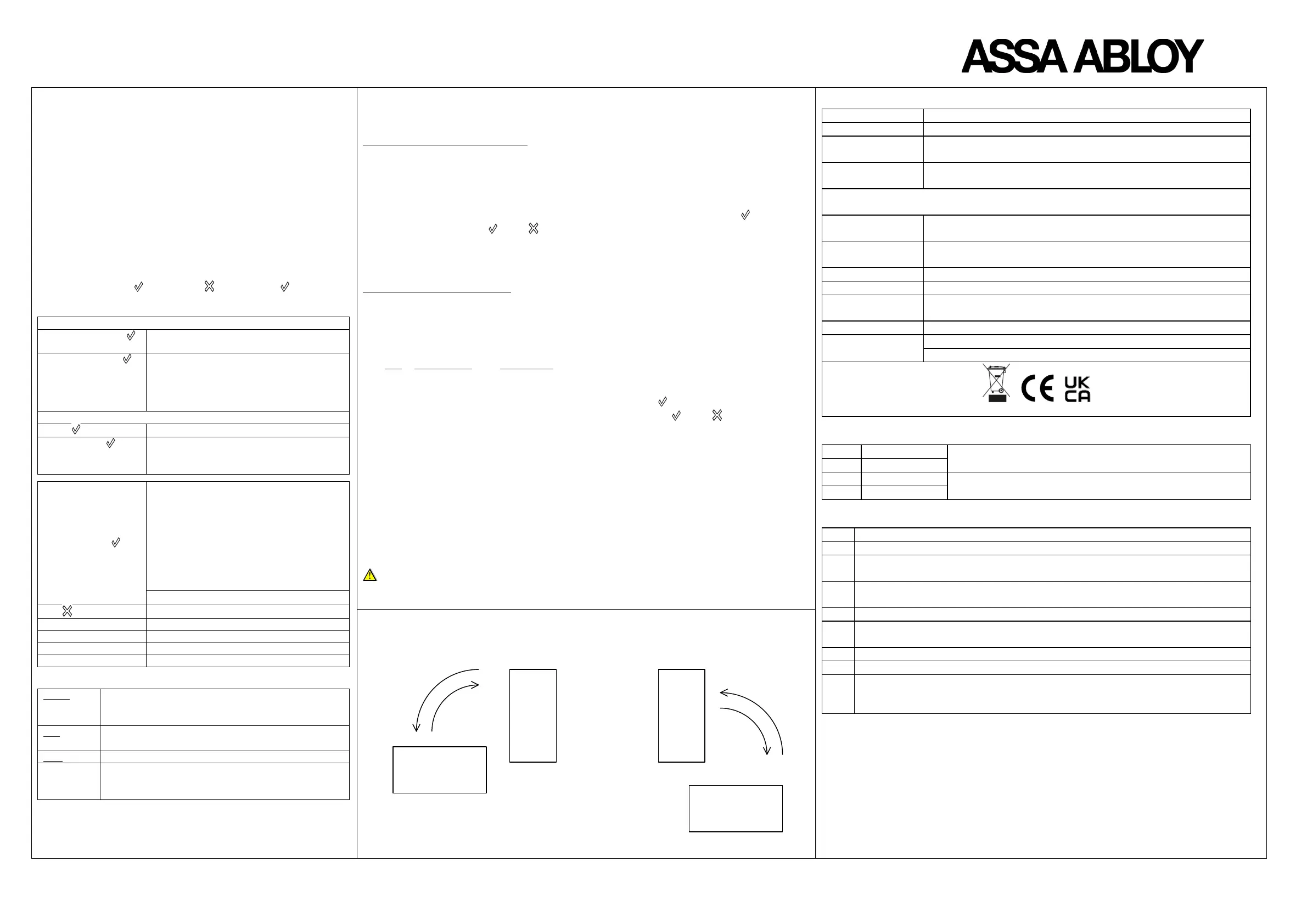
Twist & Go movement. The phone is tilted from its position back and forth, sideways.
The phone tilts from the top, down and up or from below, up and down


 To Next Page
 Loading...