12/04/2016 - 17 - Concept
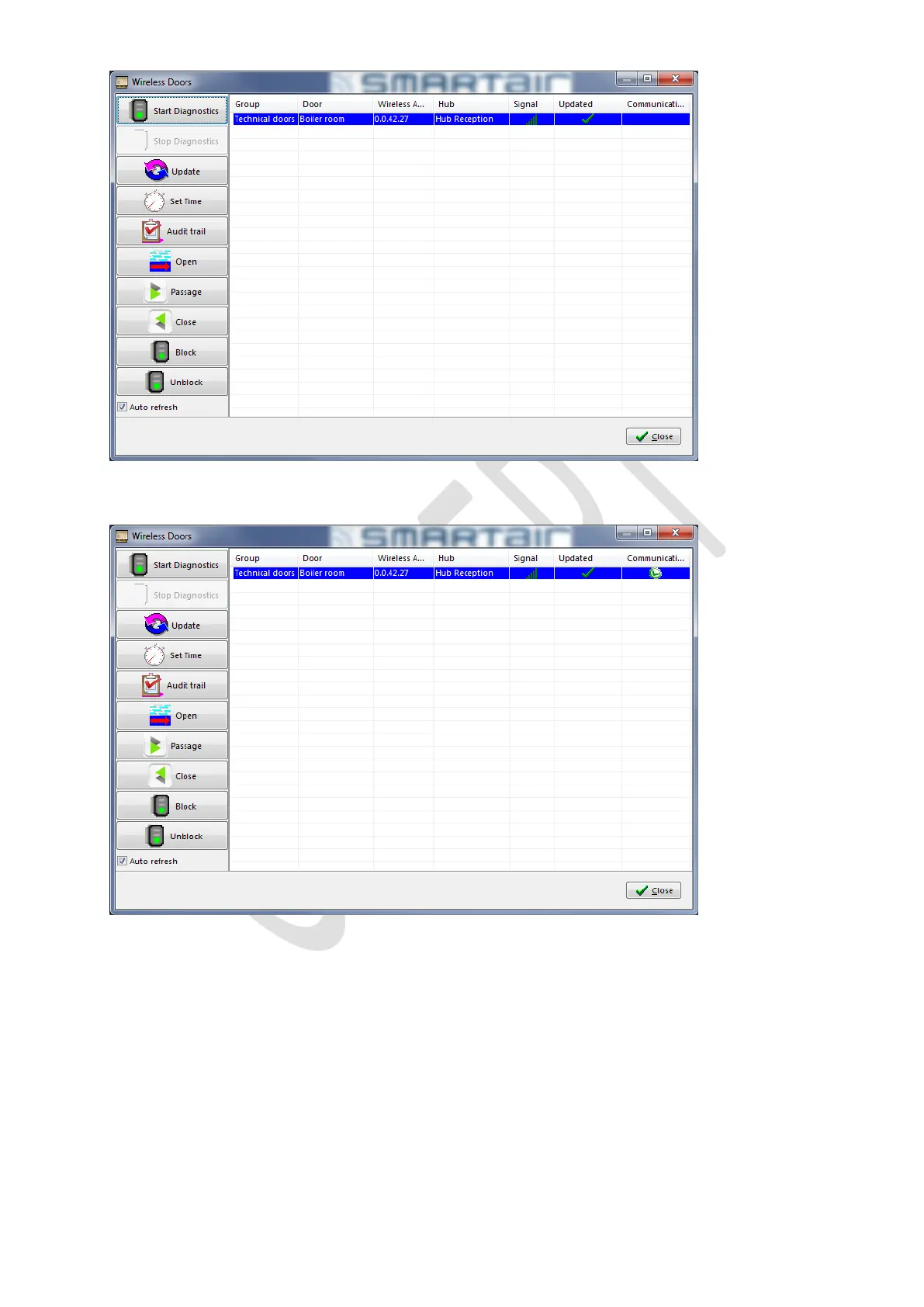
Select a device and click on Start Diagnostics to see if communication is possible to that device.
If the Green check is shown, this is good.
The signal strength is also updated every time the Diagnostics is started. This is not updated automatically!
For more details on the use of the Wireless menu, please refer to the specific SMARTair TS1000 manual.



 To Next Page