8
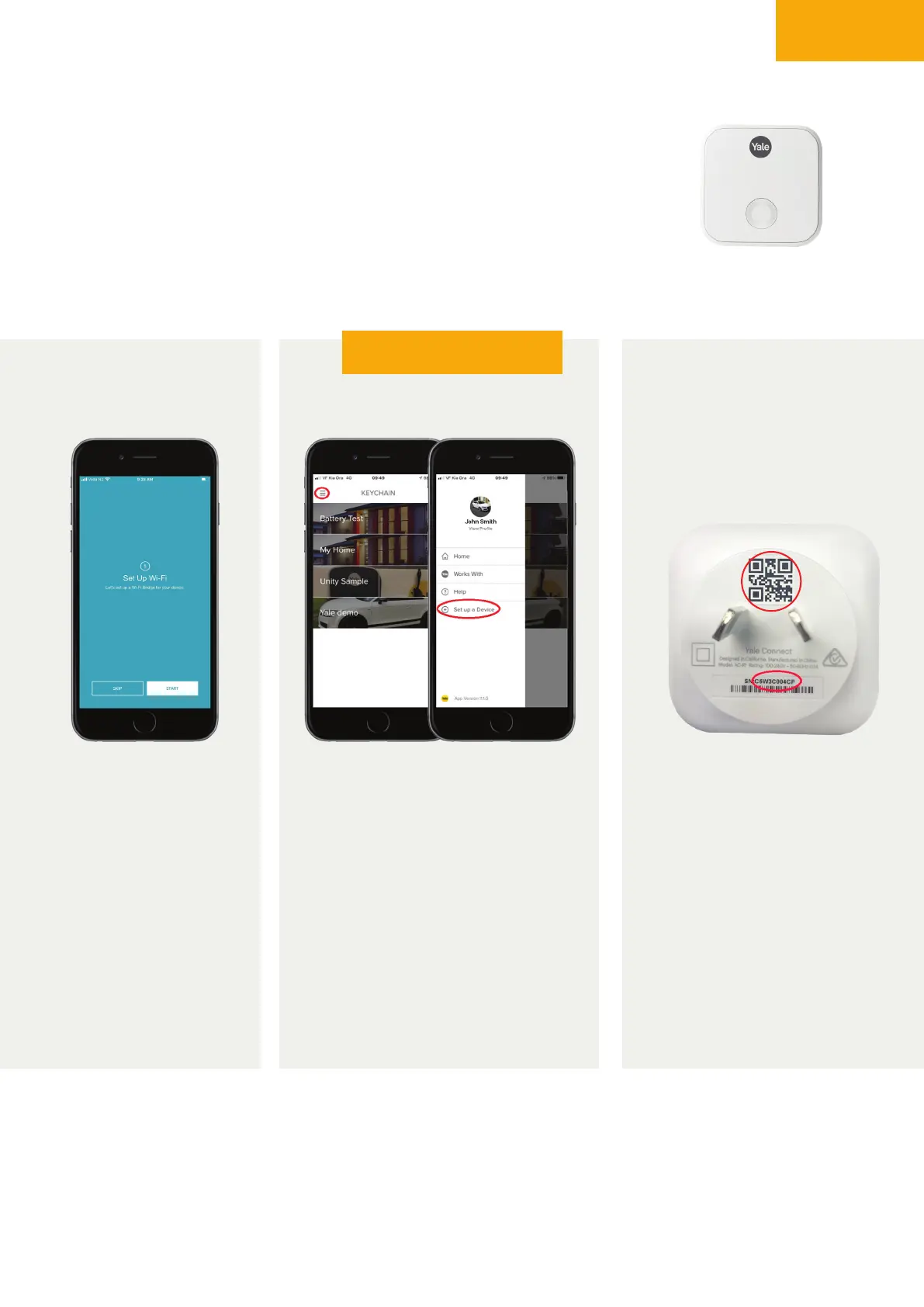
Open the app and go to
the tab at the top left of
the home page, once in
here press on “SET UP
A DEVICE”
The app will
prompt you to set
up a ‘Wi-Fi bridge’
once you have
registered the
module.
Scan the QR code
(or enter the code as circled),
then plug the bridge
into a power socket
within BLE range of
the lock. Follow as
instructed by the Yale
Access app.
IMPORTANT!
• You won’t be able to make the connection if you are using 5GHZ, but you can change back to 5Ghz once the
bridge has been connected.
• The “signal appears to be weak” doesn’t affect the bridge’s performance, continue past this point until the
set up is finished.
Alternatively
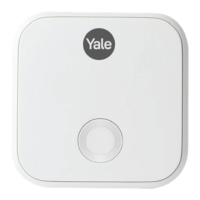
INSTALL CONNECT WIFI BRIDGE
Step 5
• Install the Connect Wi-Fi Bridge if you wish to extend the range from
Bluetooth to remote access. Please note that before you set it up, make
sure your phone is connected to the WiFi using 2.4GHZ*.
Note: Only 2.4GHZ will work with Yale Access


 To Next Page