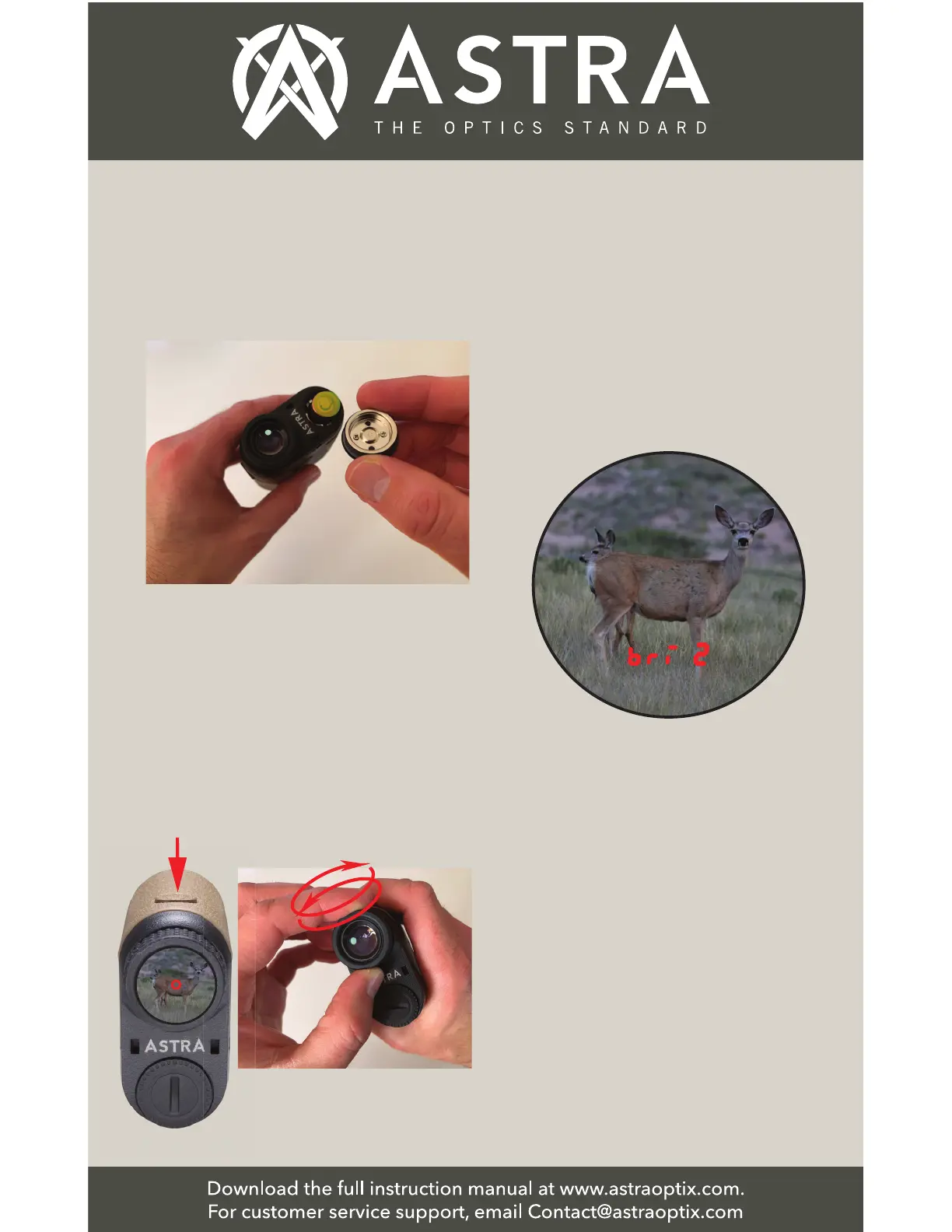
1. Connect the Battery: Open the
Battery Cover and remove the plastic
insert from the top of the battery.
Quick Start
2. Turn on unit and Adjust Eyepiece
Diopter Focus: Press the Power (Range)
Button to turn on the rangefinder Red
Reflective OLED display.
Turn the Eyepiece Diopter Focus until
both the image in the field of view and
Aiming Reticle are clear and focused.
Press the
Power Button Rotate Eyepiece
3. Adjusting the Red OLED Display
Brightness: Hold the Mode Button to
enter the menu setting, Press the
Power Button to cycle between 5
different brightness levels. Press the
Mode Button to select.
Brightness Setting
◆ 1 = Lowest brightness setting
◆ 5 = Highest brightness setting
NOTE: For some Astra Optix models,
the display brightness setting is the
last item in the menu. If the
brightness setting is not the first
item in the menu, then press the
Mode Button to advance through all
the menu items until you see the
brightness setting.


 To Next Page