EasyManua.ls Logo

Astralpool LumiPlus DMX I0832DMXI52 - User Manual

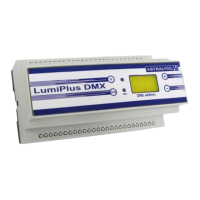
Astralpool LumiPlus DMX I0832DMXI52
12 pages
Print Icon
To Next Page IconTo Next Page
Loading...
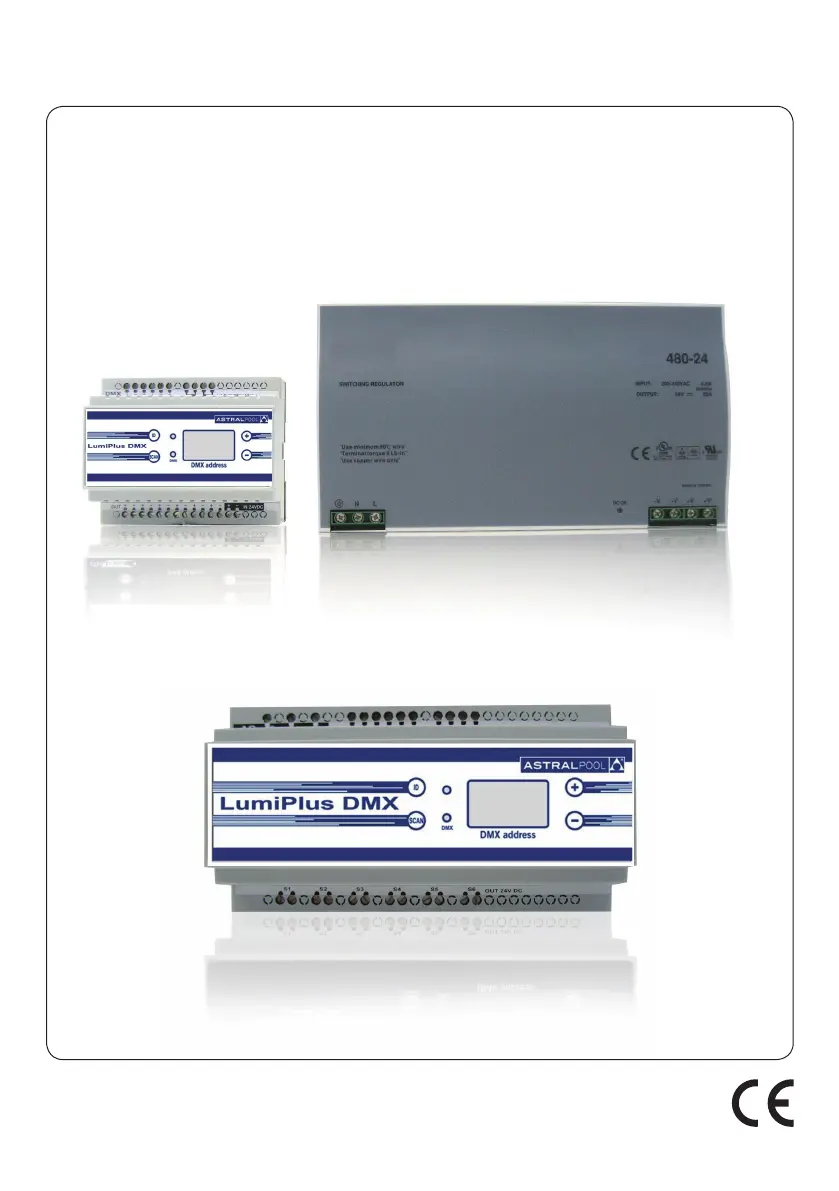
DMX OnLED POWER SUPPLY
ALIMENTADOR OnLED DMX

Questions and Answers

  • S
    steventaylorAug 12, 2025
    What to do if Astralpool Power Supply projectors change color or go out?
    • R
      Renee KingAug 12, 2025
      If the projectors change color or go out for a few moments, it may be due to a faulty power supply in the projectors or in the DMX modulator. Check the 24V DC Power supply line of the projectors and the DMX modulator.
  • K
    kelly85Aug 22, 2025
    Why doesn't the green LED light up on my Astralpool LumiPlus DMX I0832DMXI52 DMX modulator?
    • R
      Regina SmithAug 22, 2025
      If the green LED in the DMX modulator does not light up, it indicates a defective DMX signal. Check the installation of the DMX line, ensuring that only the line termination of the last DMX equipment of the DMX communications bus is activated.
  • M
    Matthew PerezSep 1, 2025
    How to fix Astralpool LumiPlus DMX I0832DMXI52 display that doesn't show DMX address?
    • B
      Bryan MillerSep 1, 2025
      If the display that indicates the DMX address does not turn on, it means that current is not reaching the equipment. Check the mains socket (230 V~ac of power supply) and the 24V DC power line.

Astralpool LumiPlus DMX I0832DMXI52 Specifications

General IconGeneral
BrandAstralpool
ModelLumiPlus DMX I0832DMXI52
CategoryPower Supply
LanguageEnglish

Related product manuals