40
Setting up
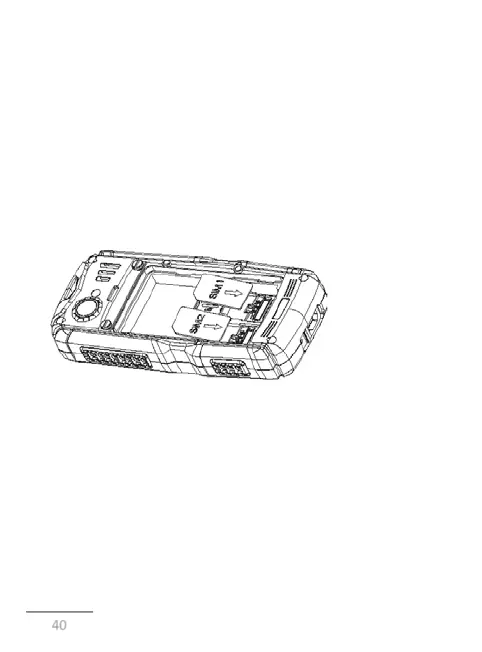
Inserting of SIM-cards
Phone Astro A200 RX allows you to simultaneously use two SIM-
cards. You can use SIM-cards with different numbers from the
different providers of the mobile communications services.
Note that the device is equipped with a radio module.
Before you install the SIM-
card, make sure that the device is
turned off. If the device is turned on, turn it off, by pressing and
holding the Cancel key (11 in the diagram of the device).
WARNING!
Do not insert the memory card into the slot for the SIM-card.
To install the SIM-
cards in any of the two slots, perform the
following steps:
• Open the battery compartment;
• Remove the battery;
• Insert SIM1 and SIM2 into the slot. The cards should be placed
with operator logos to yourself, beveled corner up.
• place SIM into the necessary connectors and insert the battery.



 To Next Page