41
Inserting of Memory Card
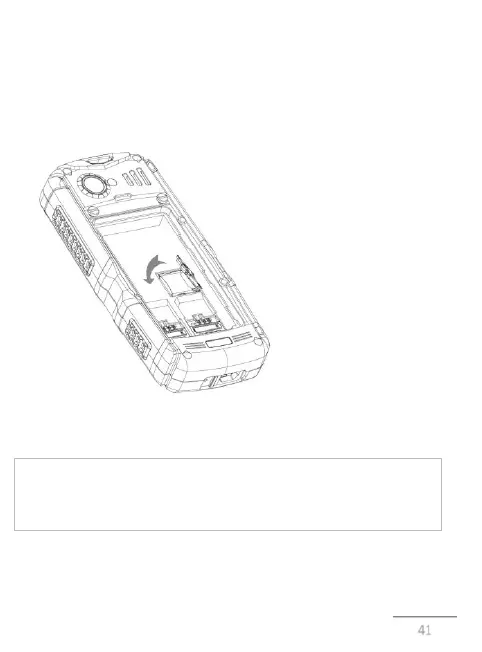
Mobile phone A200RX has a slot for memory cards microSD /
microSDHC. To install the card perform the following steps:
open the battery compartment, remove the battery, insert the memory
card into the slot, located under the slots for SIM. The card should be
placed with the logo to yourself, directing the contacts inside the slot;
Note: Mobile phone A200RX supports the memory cards up to 16 GB.
Inserting and Charging of Battery.
Before inserting or removing the battery, disconnect the charger.
Otherwise, it may damage the phone..
Inserting the battery
1) for the correct installation of the battery place it with contacts down
and logo ASTRO to yourself. In that case, if the logo is upside down, or



 To Next Page