Notebook PC E-Manual
53
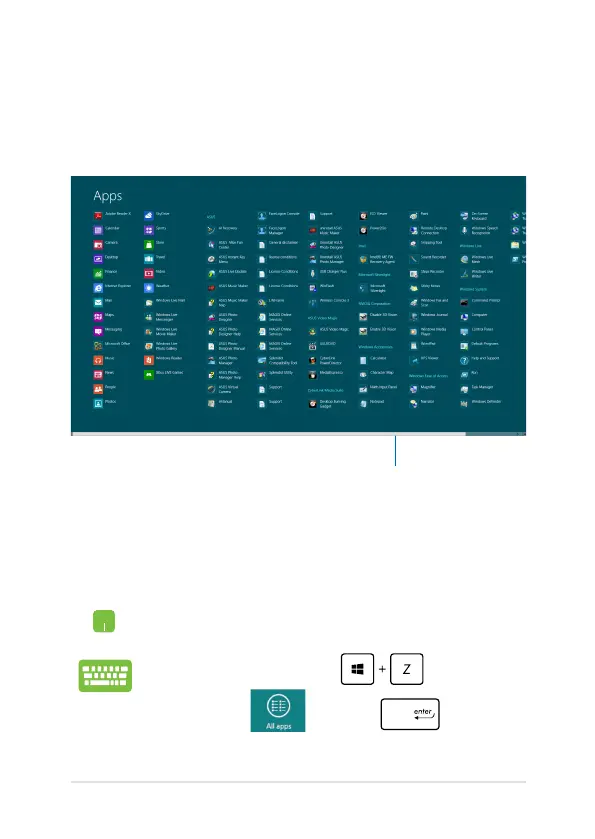
Accessing the Apps screen
Aside from the apps already pinned on your Start screen, you can also
open other applications through the Apps screen.
Horizontal scroll bar
Launching the Apps screen
Launch the Apps screen using your Notebook PC's touchpad or
keyboard.
Swipe from the top edge to launch the All Apps bar.
From the Start screen, press to select the
All Apps icon then press .



 To Next Page