Notebook PC User Manual
51
DO NOT use any objects in place of your finger to operate the
touchpad. These objects may damage the touchpad’s surface.
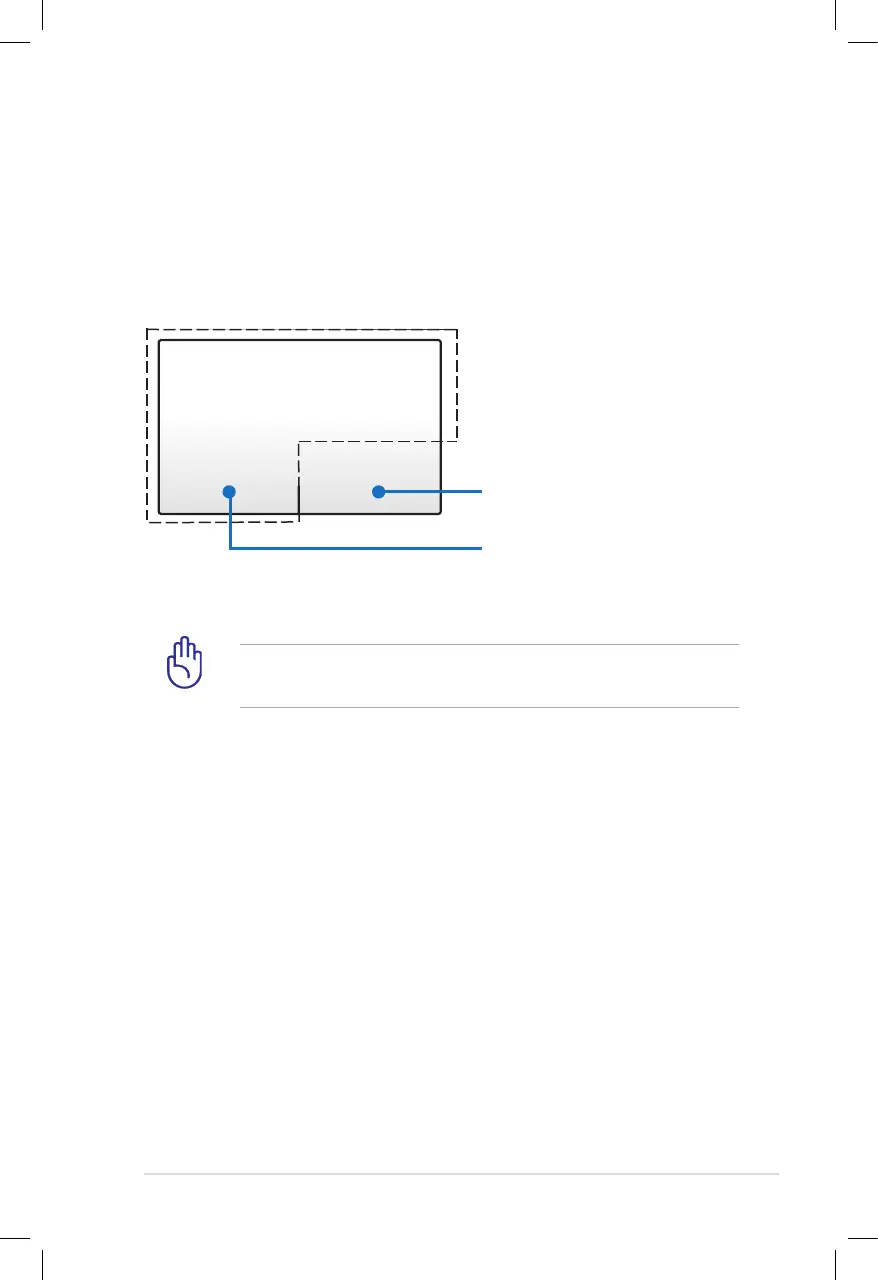
Touchpad
The touchpad is an interactive device that interprets the gestures and
position of your fingers to simulate the functions of a regular mouse.
It is also an alternative to mouse to position cursor onscreen.
The following illustration shows the features of the touchpad:.
Left-click button
(area inside the dotted-line)
Right-click button
(area outside the dotted-line)



 To Next Page