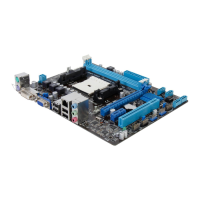
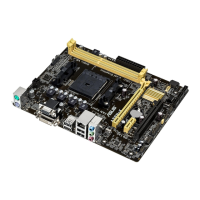
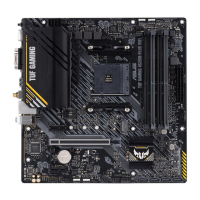
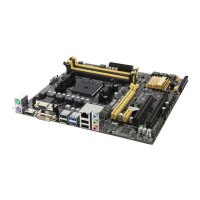
ASUS A55BM-PLUS
1-19
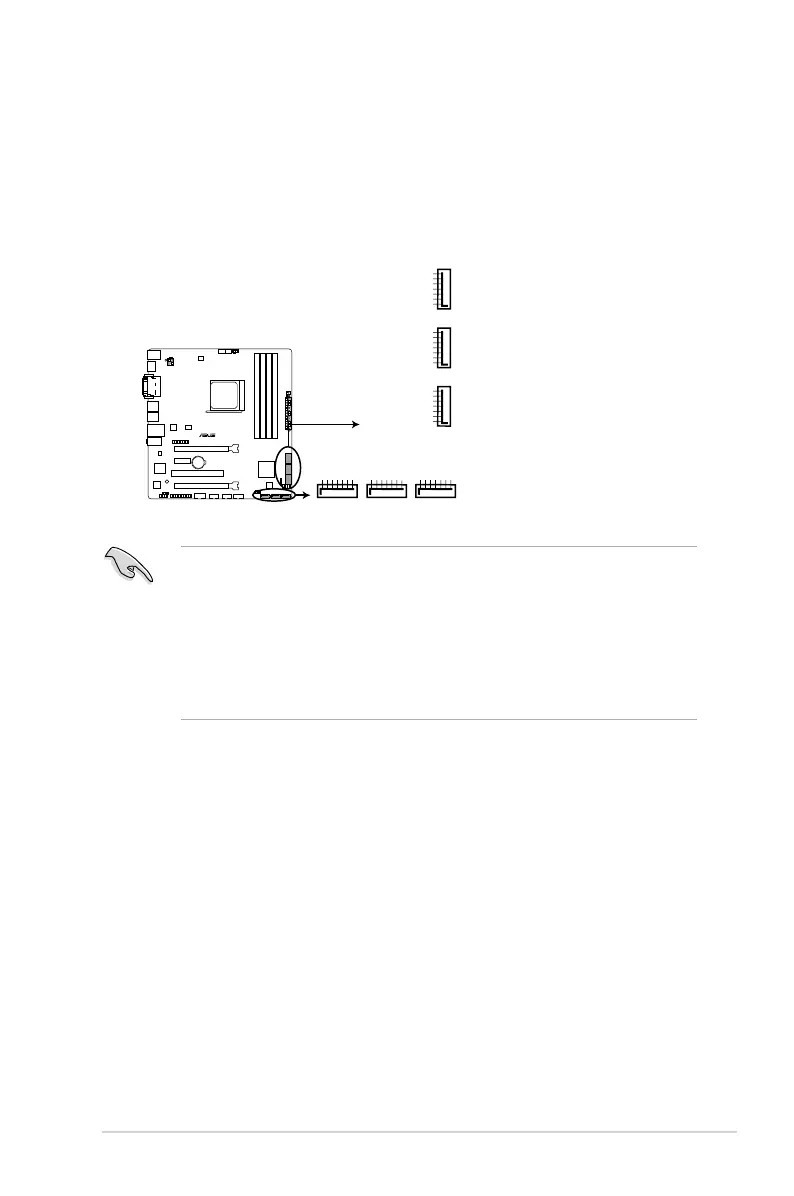
4. Serial ATA 3.0 Gb/s connectors (7-pin SATA3G 1~6)
These connectors are for the Serial ATA 6.0 Gb/s signal cables for Serial ATA hard
disk drives and optical disc drives. If you installed Serial ATA hard disk drives, you
can create a RAID 0, RAID 1, RAID 5, RAID 10 and JBOD conguration through the
onboard controller.
• These connectors are set to AHCI mode by default. If you intend to create a Serial ATA
RAID set using these connectors, set the type of the SATA connectors in the BIOS to
[RAID]. See section 2.6.2 SATA Conguration for details.
• You must install Windows
®
XP Service Pack 3 or later version before using Serial
ATA hard disk drives. The Serial ATA RAID feature is available only if you are using
Windows
®
XP SP3 or later version.
• When using hot-plug and NCQ, set the type of the SATA connectors in the BIOS to
[AHCI]. See section 2.6.2 SATA Conguration for details.
SATA3G_1
GND
RSATA_RXP1
RSATA_RXN1
GND
RSATA_TXN1
RSATA_TXP1
GND
SATA3G_2
GND
RSATA_RXP2
RSATA_RXN2
GND
RSATA_TXN2
RSATA_TXP2
GND
SATA3G_5
GND
RSATA_TXP5
RSATA_TXN5
GND
RSATA_RXN5
RSATA_RXP5
GND
SATA3G_4
GND
RSATA_TXP4
RSATA_TXN4
GND
RSATA_RXN4
RSATA_RXP4
GND
SATA3G_6
GND
RSATA_TXP6
RSATA_TXN6
GND
RSATA_RXN6
RSATA_RXP6
GND
SATA3G_3
GND
RSATA_RXP3
RSATA_RXN3
GND
RSATA_TXN3
RSATA_TXP3
GND
A55BM-PLUS
A55BM-PLUS SATA 3.0Gb/s connectors


 To Next Page