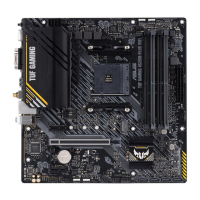
ASUS A55BM-PLUS 2-1
BIOS information
2
2.1 Managing and updating your BIOS
Save a copy of the original motherboard BIOS le to a USB ash disk in case you need to
restore the BIOS in the future. Copy the original motherboard BIOS using the ASUS Update
utility.
2.1.1 EZ Update
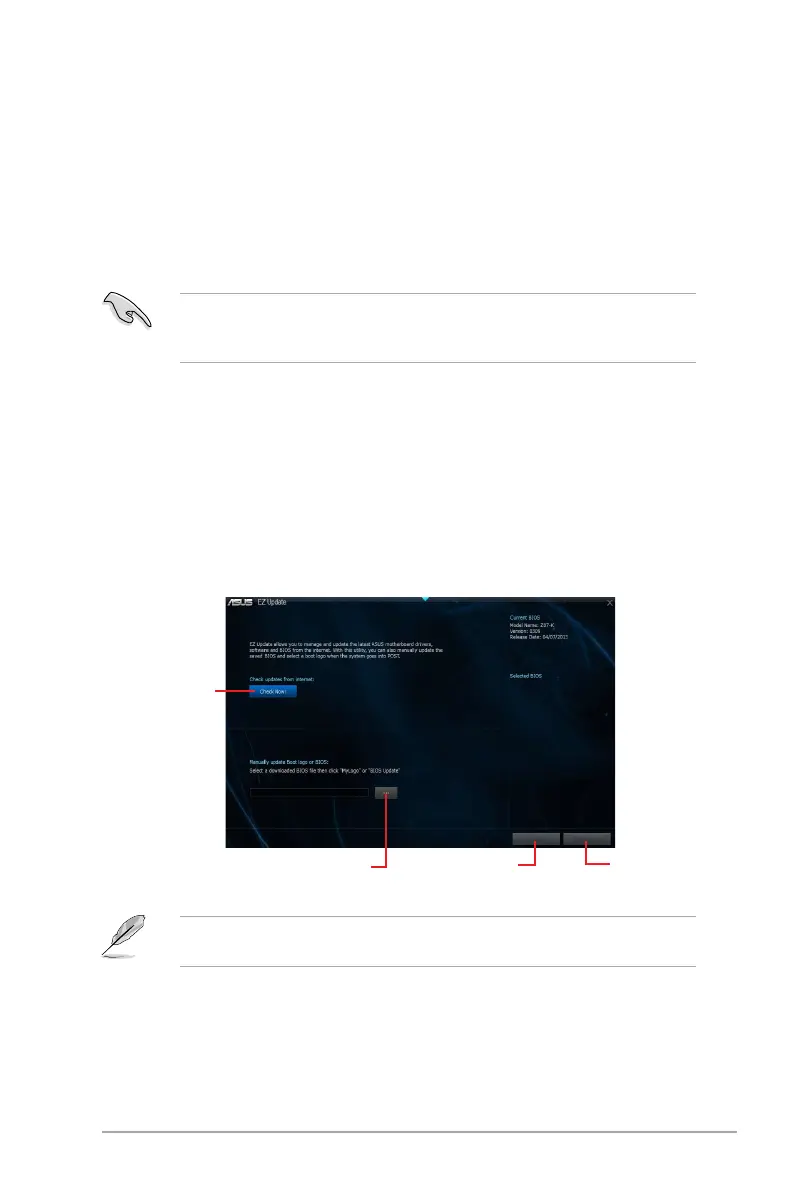
EZ Update is a utility that allows you to automatically update your motherboard’s softwares,
drivers and the BIOS version easily. With this utlity, you can also manually update the saved
BIOS and select a boot logo when the system goes into POST.
To launch EZ Update, click EZ Update on the AI Suite 3 main menu bar.
Click to
automatically
update your
motherboard’s
driver, software
and rmware
Click to nd and
select the BIOS
from le
Click to select
a boot logo
Click to
update the
BIOS
EZ Update requires an Internet connection either through a network or an ISP (Internet
Service Provider).


 To Next Page