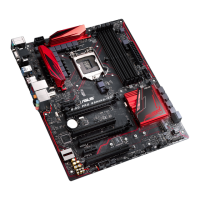
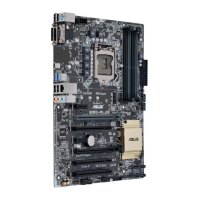
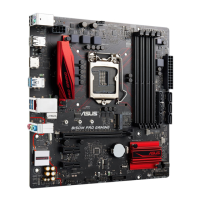
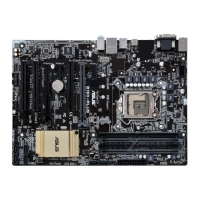
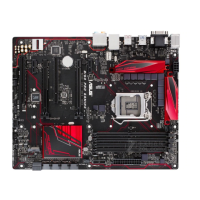
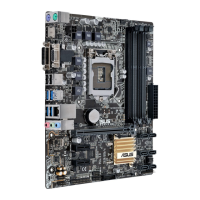
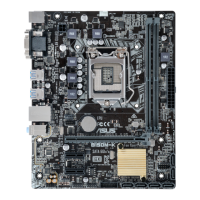
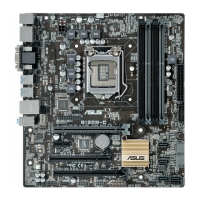
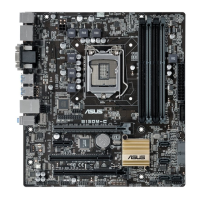
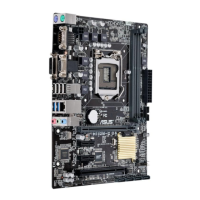
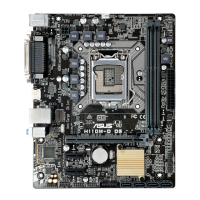
1-4
Chapter 1: Product introduction
1.3.1 Installing the CPU
1
2
3
A
B
UnplugallpowercablesbeforeinstallingtheCPU.
• EnsurethatyouinstallthecorrectCPUdesignedfortheLGA1151socketonly.DO
NOTinstallaCPUdesignedforLGA1150,LGA1155andLGA1156socketsonthe
LGA1151socket.
• Uponpurchaseofthemotherboard,ensurethatthePnPcapisonthesocketand
the socket contacts are not bent. Contact your retailer immediately if the PnP cap
ismissing,orifyouseeanydamagetothePnPcap/socketcontacts/motherboard
components.
• Keepthecapafterinstallingthemotherboard.ASUSwillprocessReturnMerchandise
Authorization(RMA)requestsonlyifthemotherboardcomeswiththecaponthe
LGA1151socket.
• Theproductwarrantydoesnotcoverdamagetothesocketcontactsresultingfrom
incorrectCPUinstallation/removal,ormisplacement/loss/incorrectremovalofthePnP
cap.



 To Next Page