4-26 Chapter 4: BIOS setup
4.5.4 Chipset
The Chipset menu allows you to change the advanced chipset settings. Select an
item then press <Enter> to display the sub-menu.
Advanced Chipset Settings
WARMING: Setting wrong values in below sections
may cause system to malfunction.
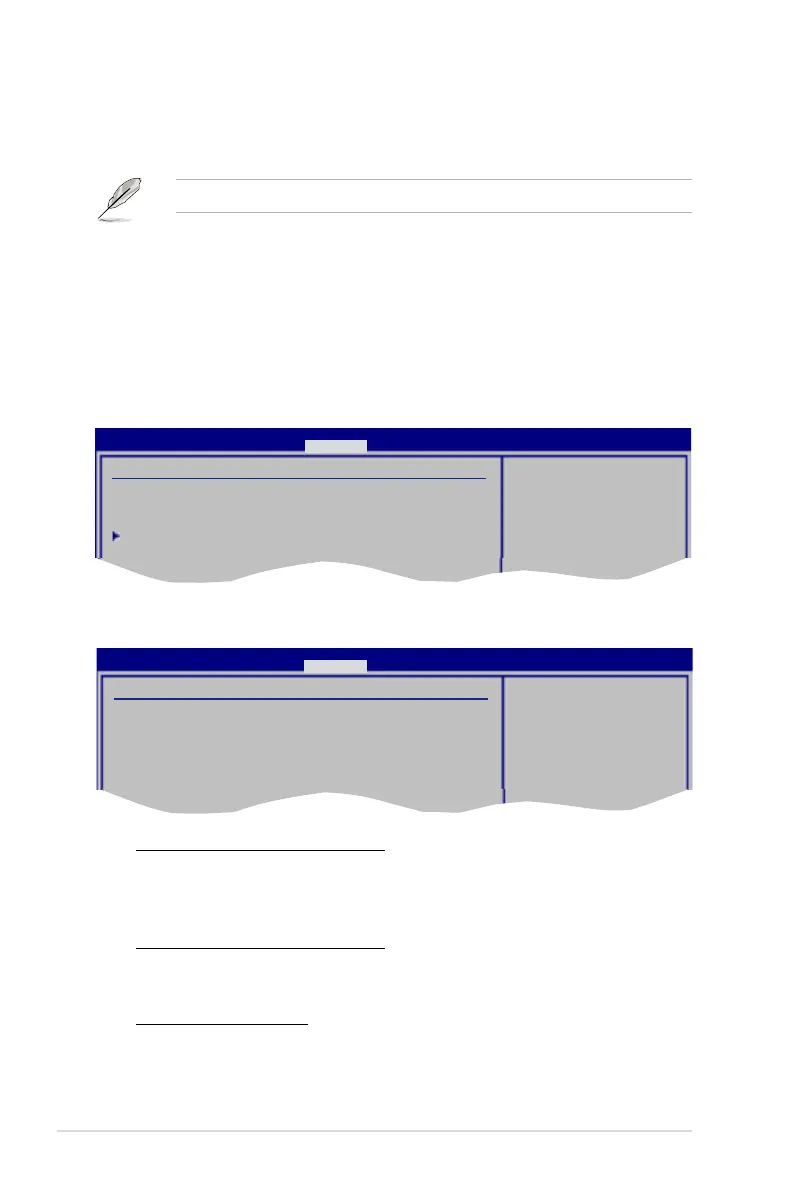
North Bridge Conguration
Congure North Bridge
features.
PECI [Enabled]
Allows you to enable or disable the PECI interface.
Conguration options: [Enabled] [Disabled]
The following item appears when the item CPU Ratio Control is set to [Auto].
Inter(R) SpeedStep (tm) Tech. [Disabled]
Conguration options: [Enabled] [Disabled]
BIOS SETUP UTILITY
Advanced
North Bridge Chipset Conguration
Memory Remap Feature [Enabled]
Initiate Graphic Adapter [PEG/PCI]
PEG Port Control [Auto]
North Bridge Chipset Conguration
ENABLE: Allow
remapping of
overlapped PCI memory
above the total
physical memory.
DISABLE: Do not allow
remapping of memory.
BIOS SETUP UTILITY
Advanced
Memory Remap Feature [Enabled]
Allows you to enable or disable the remapping of the overlapped PCI memory
above the total physical memory. Enable this option only when you install 64-
bit operating system. Conguration options: [Disabled] [Enabled]
Initiate Graphic Adapter [PEG/PCI]
Allows you to decide which graphics controller to use as the primary boot
device. Conguration options: [PCI/PEG] [PEG/PCI]
PEG Port Control [Auto]
Conguration options: [Auto] [Disabled]




 To Next Page