ROG Blitz Formula 5-15
Audio preferences
Click the icon to go to the Preferences page. This page allows you to change
various audio settings.
General options
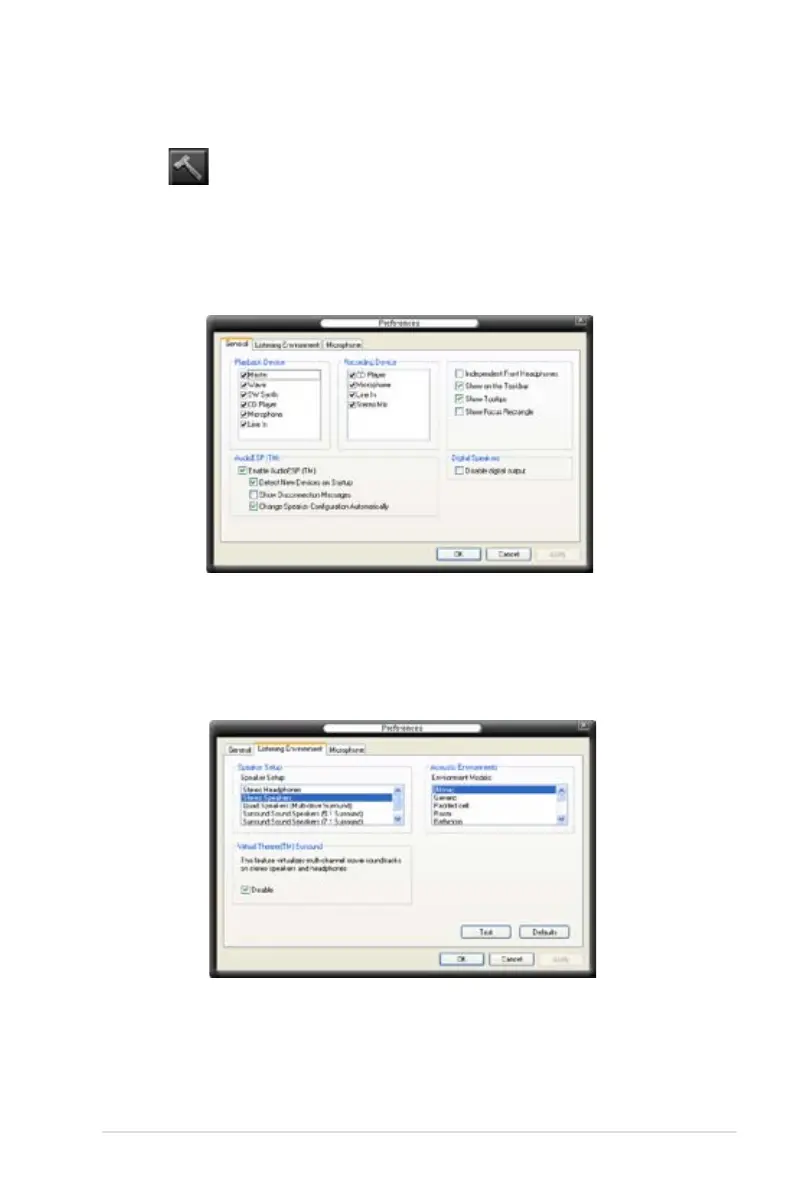
Click the General tab to choose your playback and recording devices, enable/
disable the AudioESP
™
feature, and enable/disable digital output.
Listening Environment options
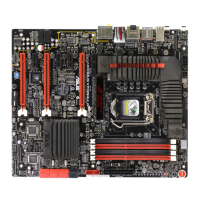
Click the Listening Environment tab to set up your speaker, acoustic
environment, and enable/disable the Virtual Theater Surround function.




 To Next Page