2-4 Chapter 2: Hardware information
BLITZ FORMULA
®
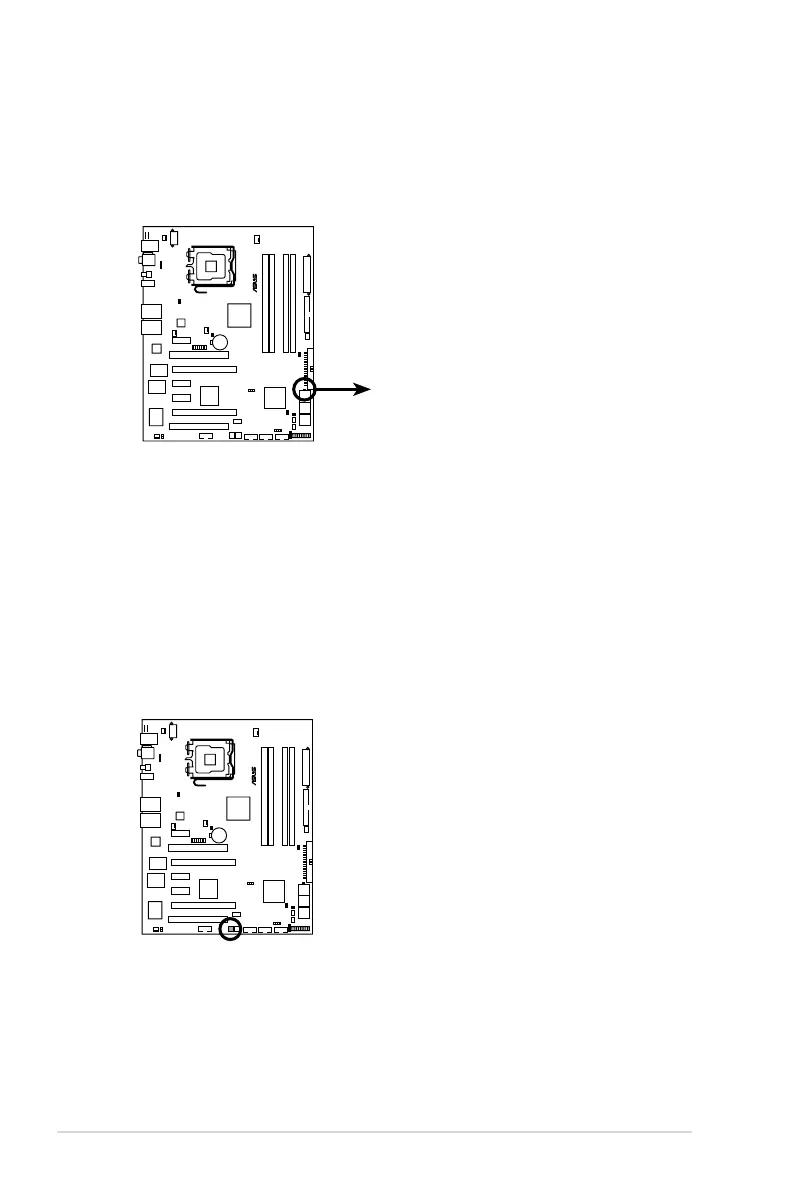
BLITZ FORMULA Hard Disk LED
HD_LED
5. Hard Disk LED
The hard disk LED is designed to indicate the hard disk activity. It blinks when
data is being written into or read from the hard disk drive. The LED does not
light up when there is no hard disk drive connected to the motherboard or
when the hard disk drive does not function.
BLITZ FORMULA
®
BLITZ FORMULA Power on switch
6. Power LED
The motherboard comes with a power-on switch that lights up to indicate
that the system is ON, in sleep mode, or in soft-off mode. This is a reminder
that you should shut down the system and unplug the power cable before
removing or plugging in any motherboard component. The illustration below
shows the location of the onboard power-on switch.




 To Next Page