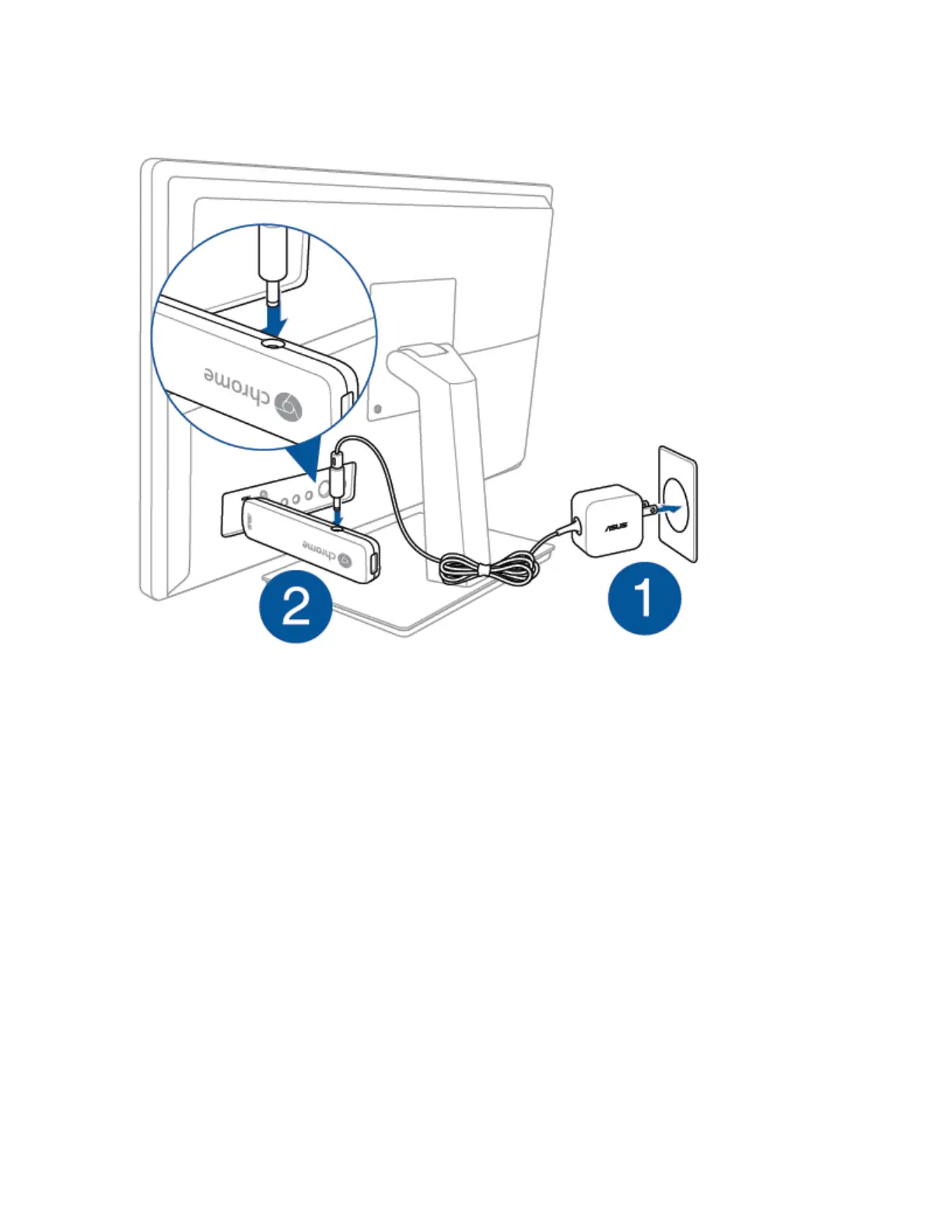
4. Connect your keyboard and mouse.
How to reconnect Bluetooth devices which were paired with your Chromebit?
To reconnect to your Chrombit's bluetooth device, please remove the original Bluetooth device
and reconnect the new device.
Please refer to the below steps:
Step 1: Click in the right bottom of the screen, and click Bluetooth enabled.


 To Next Page