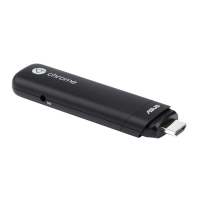
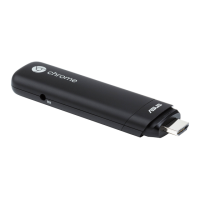
Nothing displayed on the Chromebit , what should I do to improve?
1. First make sure you connected the AC adapter of display correctly (the power connection
should 'snap in' securely and cannot be unplugged with one hand when connected properly)
and you are getting power to all your devices. Confirm whether the other connections are good
too.
2. If you connect Chromebit to a TV, choose "TV inputs" in Input Select from OSD menu on
display. In addition, you can confirm that you are able to get HDMI input on display device
working with a different system.
3. We also suggest you try to test Chromebit with other displays that support 1920x1080
resolution if possible.
If the display with 1920x1080 resolution works while other displays with lower resolutions do
not, please try to update the Chrome OS version before your next test.
Is there any way to prevent the Chromebit from Going to Sleep?


 To Next Page