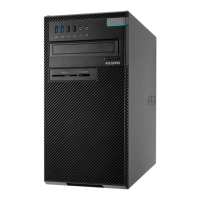
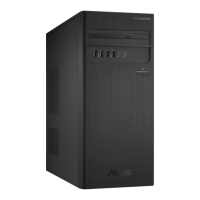
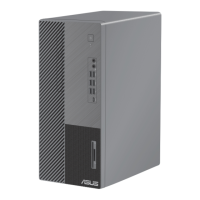
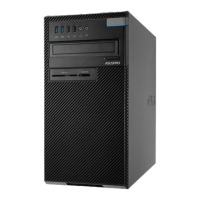
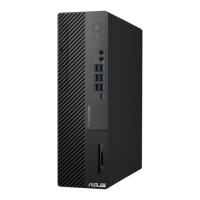
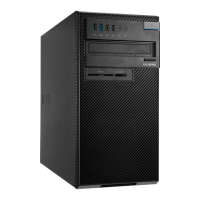
Getting to know your computer
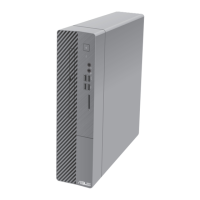
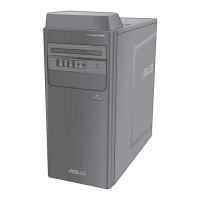
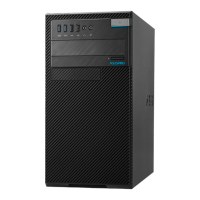
Illustrations are for reference only. The ports and their locations, and the chassis color vary with
dierent models.
Welcome!
Thank you for purchasing the ASUS Desktop PC!
The ASUS Desktop PC provides cutting-edge performance, uncompromised reliability, and user-
centric utilities. All these values are encapsulated in a stunningly futuristic and stylish system
casing.
Read the ASUS Warranty Card before setting up your ASUS Desktop PC.
• The Desktop PC does not support Windows
®
7 operating system. ASUS is not responsible
for any loss or damage incurred by installing Window
®
7.
• Be careful when handling the desktop PC to prevent the risk of injury.
13
Chapter 1
Getting started
E16757_D700SA_D500SA_Series_UM.indb 13E16757_D700SA_D500SA_Series_UM.indb 13 2020/6/9 10:30:532020/6/9 10:30:53


 To Next Page