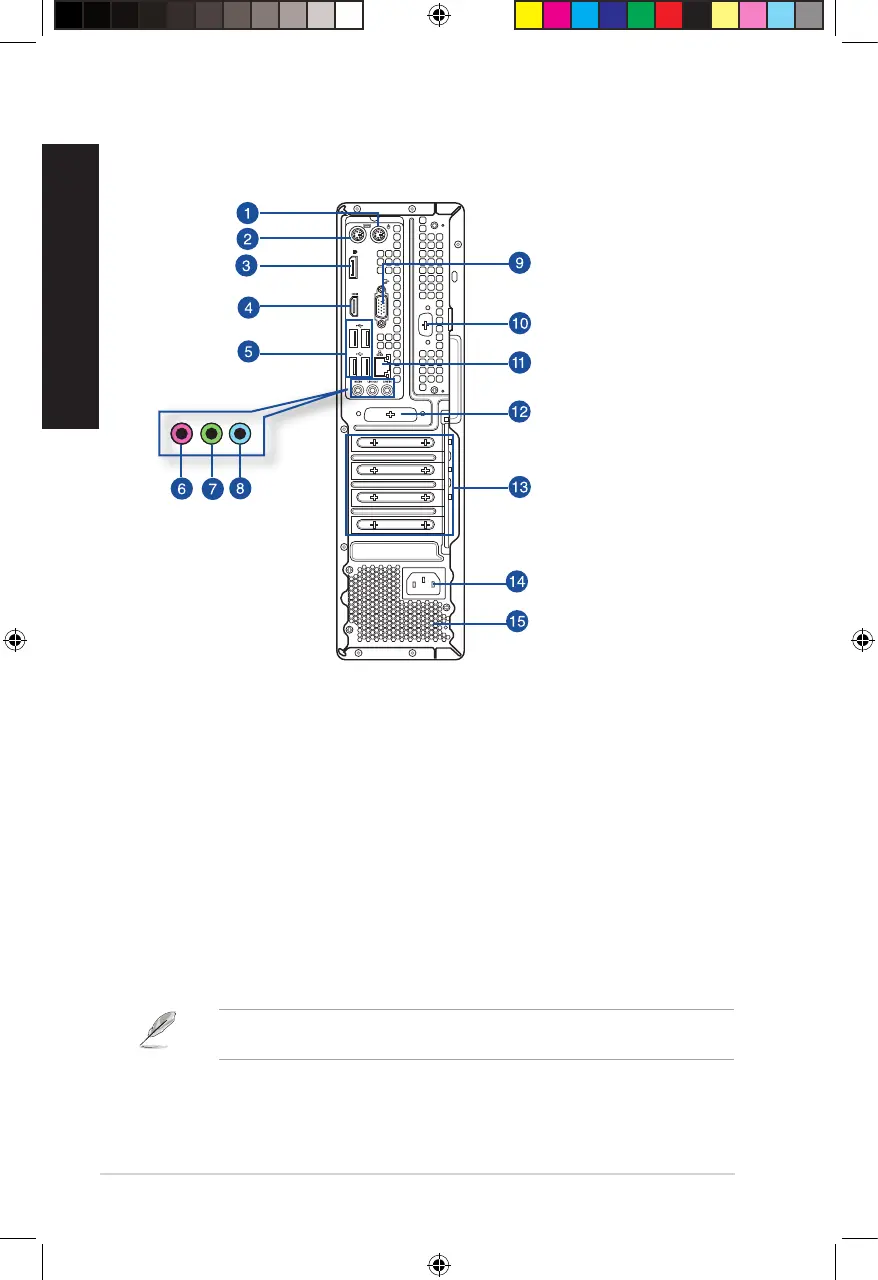
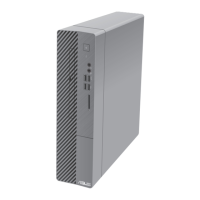
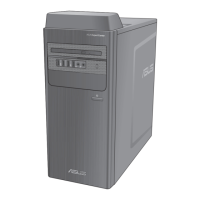
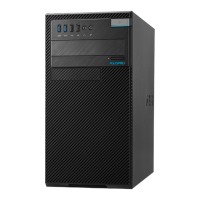
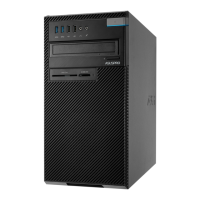
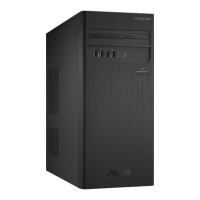
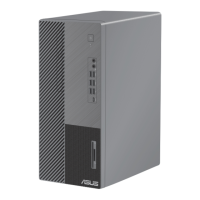
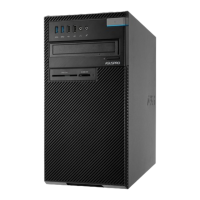
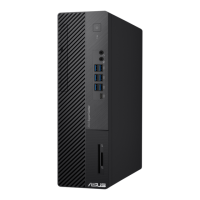
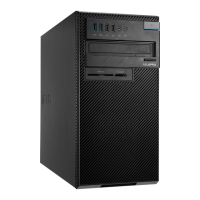
D700SA/ D700SAES/ S700SA / M700SA / D500SA/ D500SAES/ S500SA / M500SA Rear panel
1. PS/2 mouse port (green). This port is for a PS/2 mouse.
2.
PS/2 keyboard port (purple). This port is for a PS/2 keyboard.
3. DisplayPort. This port is for a DisplayPort-compatible device.
4.
HDMI
TM
port. This port is for a High-Denition Multimedia Interface (HDMI
TM
) connector, and
is HDCP compliant allowing playback of HD DVD, Blu-ray, and other protected content.
5. USB 2.0 ports. These Universal Serial Bus 2.0 (USB 2.0) ports connect to USB 2.0 devices such
as a mouse, printer, scanner, camera, PDA, and others.
6. Microphone port (pink). This port connects to a microphone.
7. Line Out port (lime).This port connects to a headphone or speaker. In a 4, 5.1, or
7.1-channel conguration, the function of this port becomes Front Speaker Out.
8. Line In port (light blue). This port connects to a tape, CD, DVD player, or other audio
sources.
Refer to the audio conguration table below for the function of the audio ports in the 2, 4, 5.1, or
7.1-channel conguration.
16
Chapter 1: Getting started
ENGLISH
ENGLISH
E16757_D700SA_D500SA_Series_UM.indb 16E16757_D700SA_D500SA_Series_UM.indb 16 2020/6/9 10:30:542020/6/9 10:30:54


 To Next Page