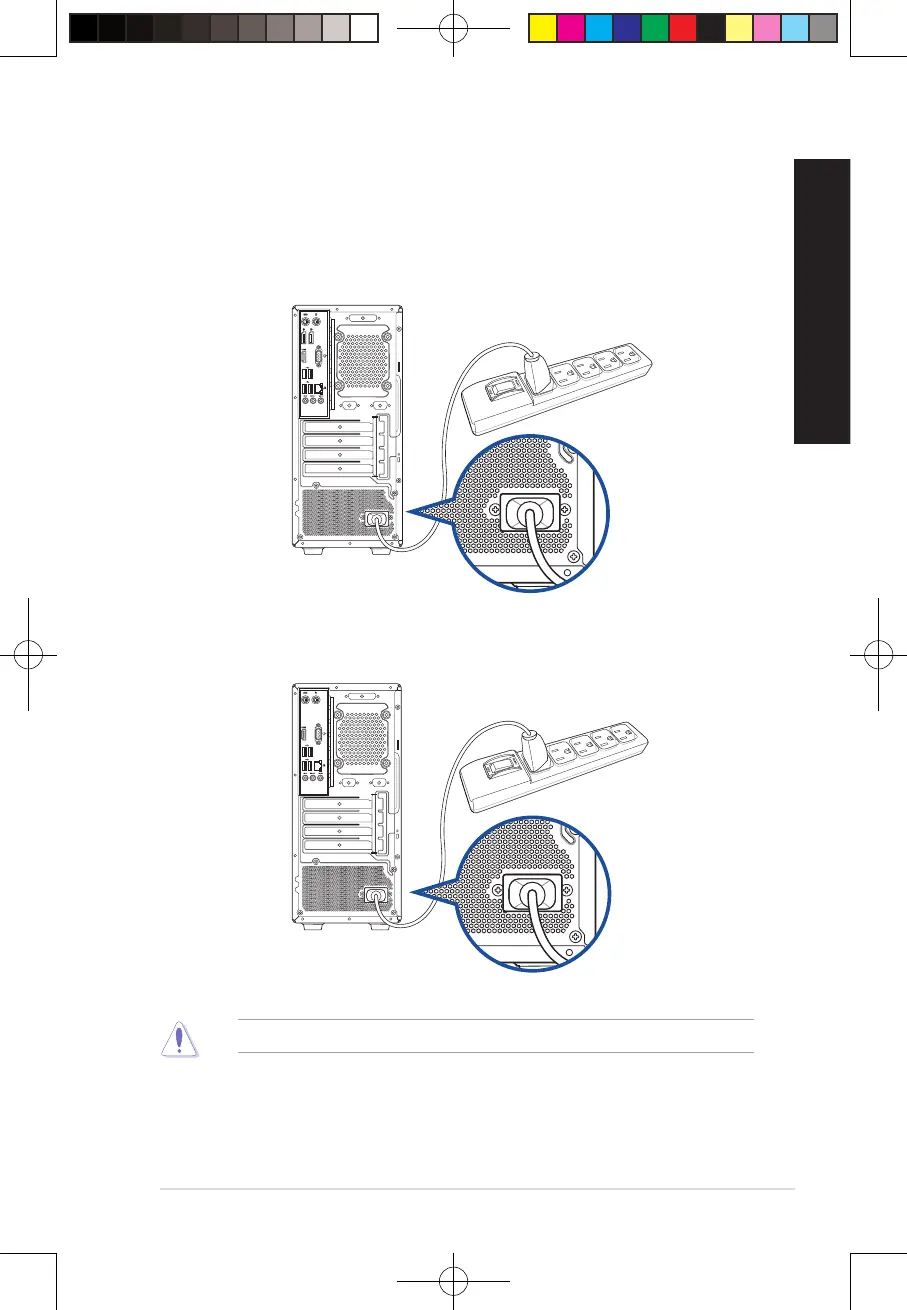
Connecting the power cord
Connect one end of the power cord to the power connector on the rear panel of your computer
and the other end to a power source.
For safety purposes, ONLY connect the power cord to a grounded electrical outlet.
D700MD/S700MD/D700MDES/M700MD/D700MD_CZ
D500MD/S500MD/D500MDES/M500MD/D500MD_CZ/D500MD_IN
25
E19621_D500MD_D700MD_UM.indd 25E19621_D500MD_D700MD_UM.indd 25 3/1/2022 2:38:09 PM3/1/2022 2:38:09 PM



 To Next Page