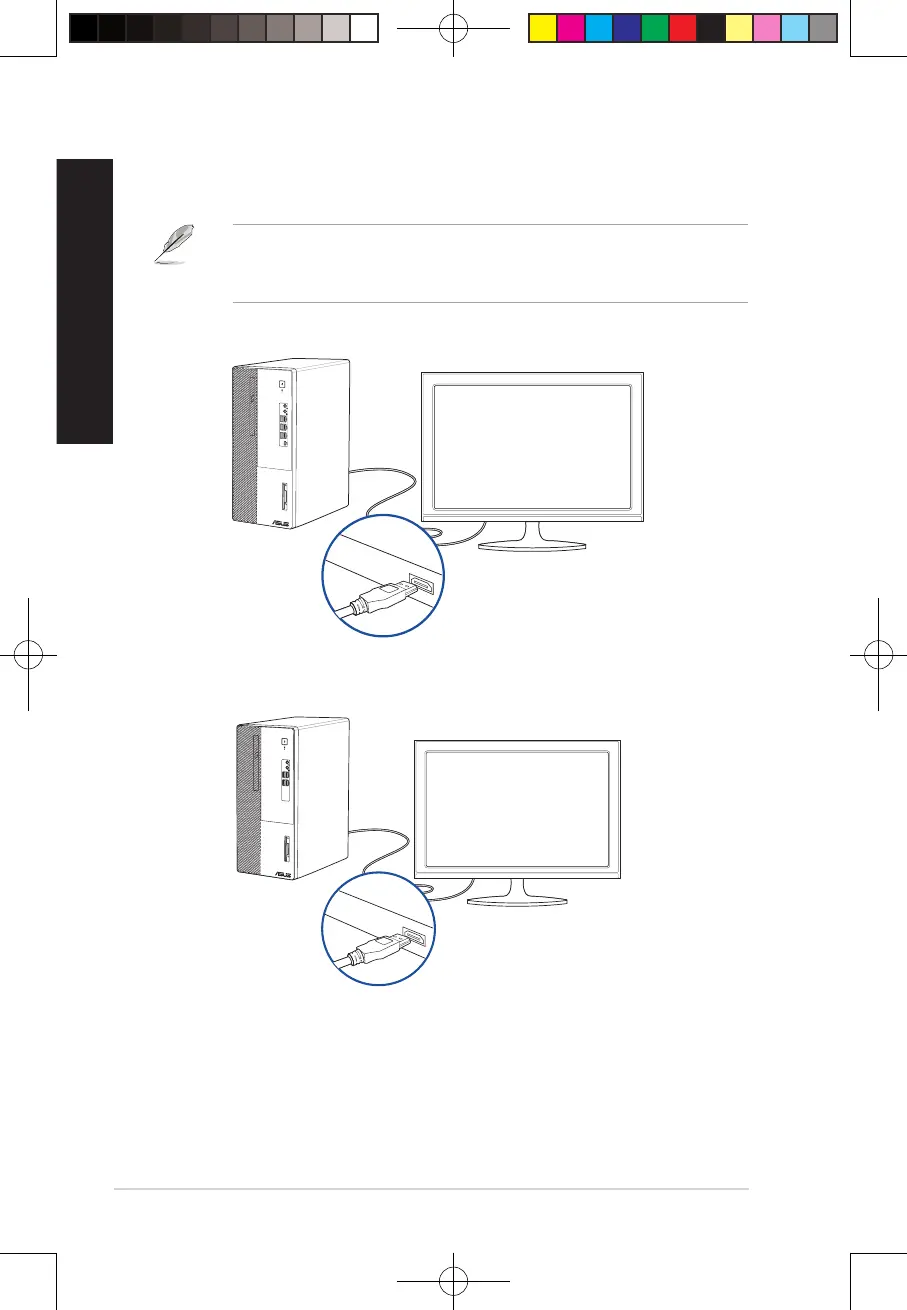
Connecting an HDTV
Connect a High Denition TV (HDTV) to the HDMI® port of your computer.
• You need an HDMI® cable to connect the HDTV and the computer. The HDMI® cable is
purchased separately.
• To get the best display performance, ensure that your HDMI® cable is less than 15 meters.
D700MD/S700MD/D700MDES/M700MD/D700MD_CZ
D500MD/S500MD/D500MDES/M500MD/D500MD_CZ/D500MD_IN
36
Chapter 2: Connecting devices to your computer
ENGLISH
ENGLISH
E19621_D500MD_D700MD_UM.indd 36E19621_D500MD_D700MD_UM.indd 36 3/1/2022 2:38:10 PM3/1/2022 2:38:10 PM



 To Next Page