Turning your computer ON
This section describes how to turn on your computer after setting up your computer.
Turning your computer ON
To turn your computer ON:
1. Turn your monitor ON.
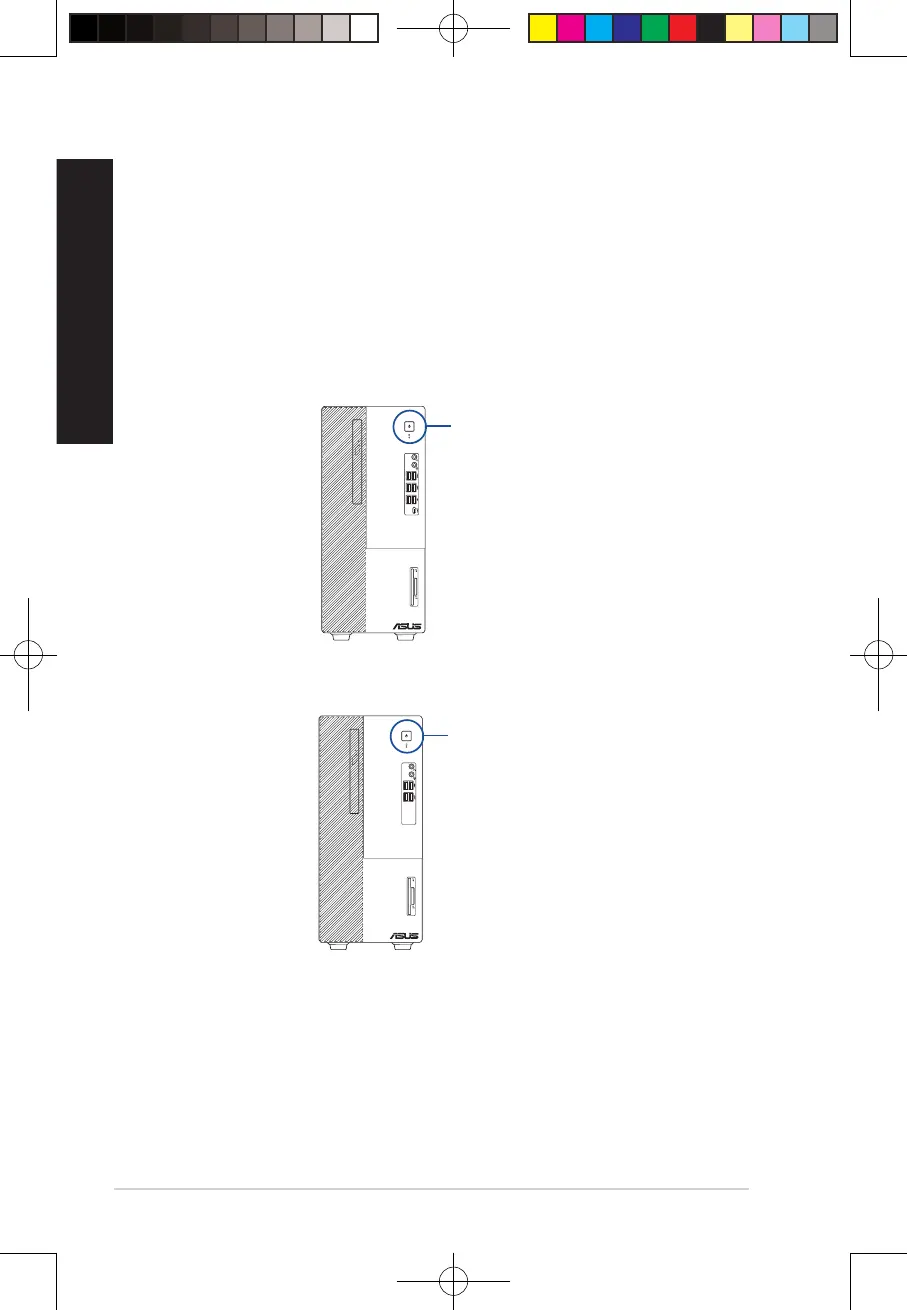
2. Press the power button on your computer.
3. Wait until the operating system loads automatically.
Power button
D700MD/S700MD/D700MDES/M700MD/D700MD_CZ
D500MD/S500MD/D500MDES/M500MD/D500MD_CZ/D500MD_IN
Power button
26
Chapter 1: Getting started
ENGLISH
ENGLISH
E19621_D500MD_D700MD_UM.indd 26E19621_D500MD_D700MD_UM.indd 26 3/1/2022 2:38:09 PM3/1/2022 2:38:09 PM



 To Next Page