Audio 2, 4, 5.1, or 7.1-channel conguration
Port
Headset
2-channel
4-channel 5.1-channel 7.1-channel
Light Blue (Rear panel) Line In Rear Speaker Out Rear Speaker Out Rear Speaker Out
Lime (Rear panel) Line Out Front Speaker Out Front Speaker Out Front Speaker Out
Pink (Rear panel) Mic In Mic In Bass/Center Bass/Center
Lime (Front panel) - - - Side Speaker Out
9. Power connector. Plug the power cord to this connector.
RATING: 115/230Vac, 50/60Hz, 4A/2A (Global)
220V~, 50Hz, 2A (Chinese Mainland)
115Vac, 60Hz, 4A (Taiwan)
115/230Vac, 50/60Hz, 4A/2A (Japan; Korea)
10. Air vents. These vents allow air ventilation.
DO NOT block the air vents on the chassis. Always provide proper ventilation for your computer.
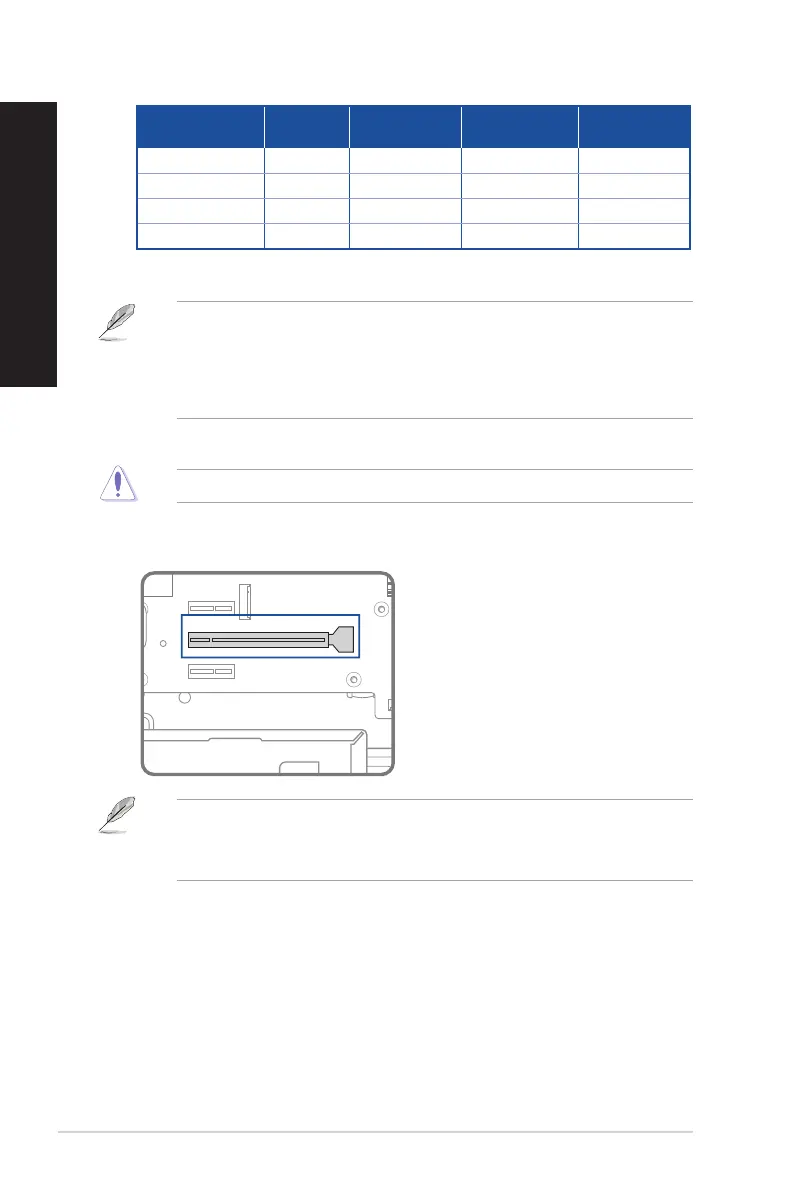
11. Expansion slot brackets. Remove the expansion slot bracket when installing an expansion
card.
• ASUS Graphics Card is available on selected models. The display output ports on the optional
ASUS Graphics Card may vary with dierent models.
• Refer to Installing a graphics card in your computer for detailed instructions.
12. Serial port (optional). This 9-pin COM port is for pointing devices or other serial devices.
26 Chapter 1: Getting started
ENGLISH
ENGLISH



 To Next Page