EasyManua.ls Logo

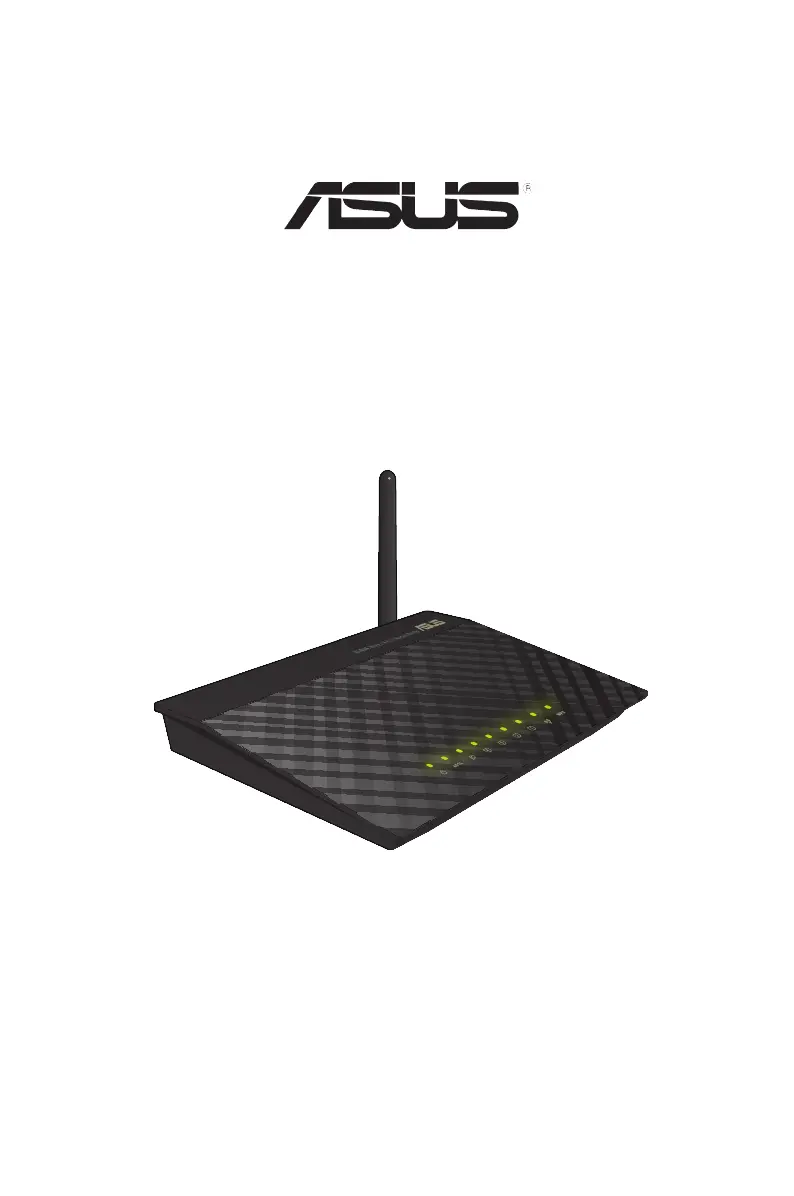
Asus DSL-N10E - User Manual

Asus DSL-N10E
61 pages
Print Icon
To Next Page IconTo Next Page
Loading...
User Manual
DSL-N10E
11n Wireless Router

Table of Contents

Other manuals for Asus DSL-N10E

Questions and Answers

  • E
    Eric RojasAug 8, 2025
    What to do if internet is not accessible on Asus DSL-N10E?
    • A
      anakaufmanAug 8, 2025
      If you're experiencing internet connectivity issues, start by checking the status indicators on both your ADSL modem and the wireless router. Also, verify if the WAN LED on the wireless router is lit. If the WAN LED is off, try replacing the cable and testing the connection again.
  • W
    William JohnsonAug 14, 2025
    How to fix Asus DSL-N10E Wireless Router when client cannot establish a wireless connection?
    • D
      Dana JonesAug 14, 2025
      If a client device cannot connect wirelessly to the Asus Wireless Router, consider the following solutions: First, ensure the router is within close range of the wireless client. If the range is adequate, try adjusting the channel settings. If the problem persists, use a wired connection to connect to the router and check the wireless security settings. As a last resort, press the Restore button on the rear panel for more than five seconds. If the router cannot be found, insert a needle inside the Reset hole at the rear panel for more than five seconds and check the settings in the wireless adapter such as SSID and encryption settings.
  • D
    diazbrianAug 18, 2025
    How to restore Asus DSL-N10E to its default settings?
    • L
      Laura FordAug 18, 2025
      To restore the system to its default settings, insert a needle into the Reset hole at the rear panel of the wireless router for more than five seconds.
  • J
    Jessica AllenAug 25, 2025
    What to do if ADSL 'LINK' light blinks continuously on Asus DSL-N10E?
    • C
      Carl SmithAug 25, 2025
      If the ADSL 'LINK' light on your modem blinks continuously or remains off, indicating that internet access is not possible and the router can't connect to the ADSL network, ensure all cables are properly connected. If the issue persists, disconnect the power cord from the ADSL or cable modem, wait a few minutes, and then reconnect it. If the ADSL light continues to blink or stays off, contact your ADSL service provider.
  • K
    Kelsey MasseyAug 28, 2025
    What to do if ADSL Modem 'Link' light is ON but Internet Access is not possible on Asus Wireless Router?
    • K
      kimberly36Aug 28, 2025
      If the ADSL Modem 'Link' light is ON, but you still cannot access the internet, start by restarting your computer. Then, refer to the Quick Start Guide of the wireless router and re-configure the settings. Check if the WAN LED on the wireless router is ON and verify the wireless encryption settings. Ensure that your computer can obtain an IP address via both wired and wireless networks. Finally, make sure your web browser is configured to use the local LAN and isn't set to use a proxy server.
  • S
    Sara StoneSep 2, 2025
    What to do if I forgot network name or encryption keys for Asus DSL-N10E?
    • K
      Kevin WilliamsSep 2, 2025
      If you have forgotten your network name or encryption keys, try setting up a wired connection and configuring the wireless encryption again. Alternatively, insert a needle into the Reset hole at the rear panel of the wireless router for more than five seconds to reset the router.

Asus DSL-N10E Specifications

General IconGeneral
Frequency Band2.4 GHz
Maximum Wireless Speed150 Mbps
Weight220 g
Device TypeWireless Router
Wireless StandardsIEEE 802.11b, IEEE 802.11g, IEEE 802.11n
Ports4 x 10/100 Mbps LAN, 1 x 10/100 Mbps WAN
SecurityWEP, WPA, WPA2
Antennas2 x fixed antennas
FirewallNAT, SPI
DSL SupportADSL2+

Videos

How to Set Up ASUS DSL-N10E

Related product manuals