31
Getting Started 3
Restarting or Rebooting
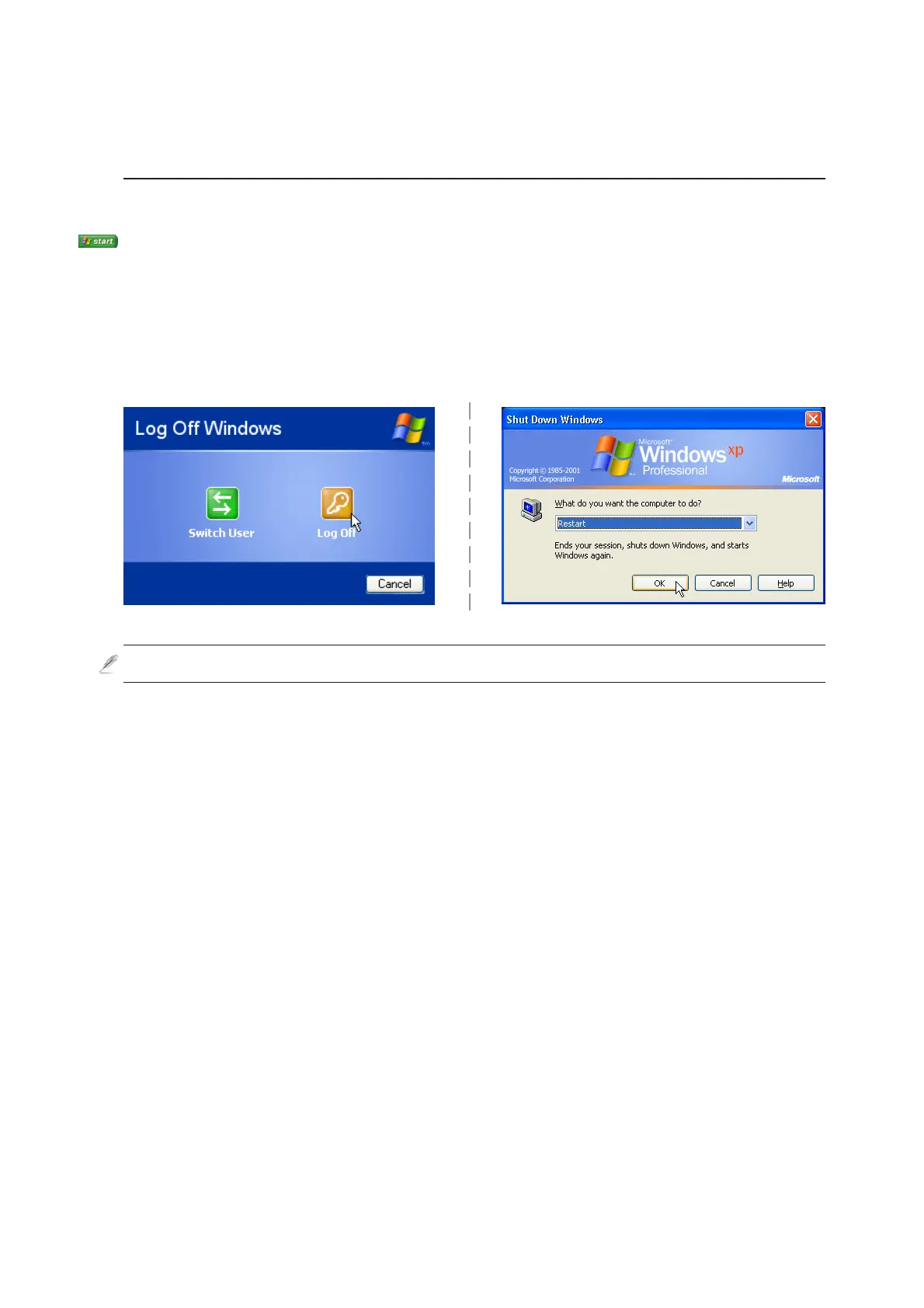
After making changes to your operating system, you may be prompted to restart the system. Some
installation processes will provide a dialog box to allow restart. To restart the system manually:
Click the Start button and select Shut Down | and choose Restart.
In case the operating system hangs (stops, freezes, crashes), try a “warm boot” by pressing [Ctrl][Alt][Del]
keys simultaneously. (You may try a few times if there is no response.)
The screens are different depending on your security settings.



 To Next Page