30
Notebook PC E-Manual
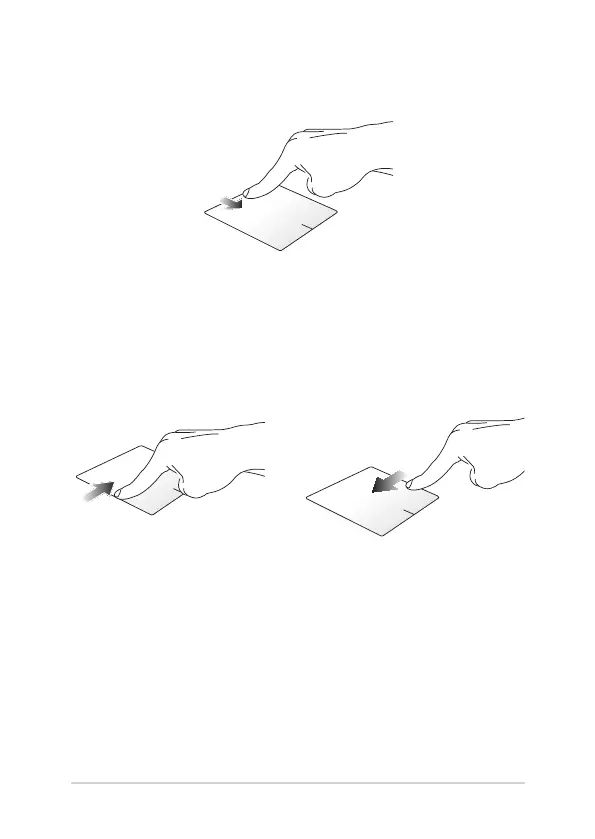
Top edge swipe
• IntheStartscreen,swipefromthetopedgetolaunchtheAll
Apps bar.
• Inarunningapp,swipefromthetopedgetoviewitsmenu.
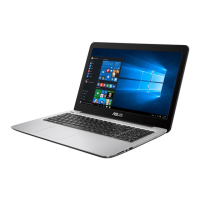
Left edge swipe Right edge swipe
Swipe from the left edge to shue
your running apps.
Swipe the right edge to launch
the Charms bar.


 To Next Page