46
Notebook PC E-Manual
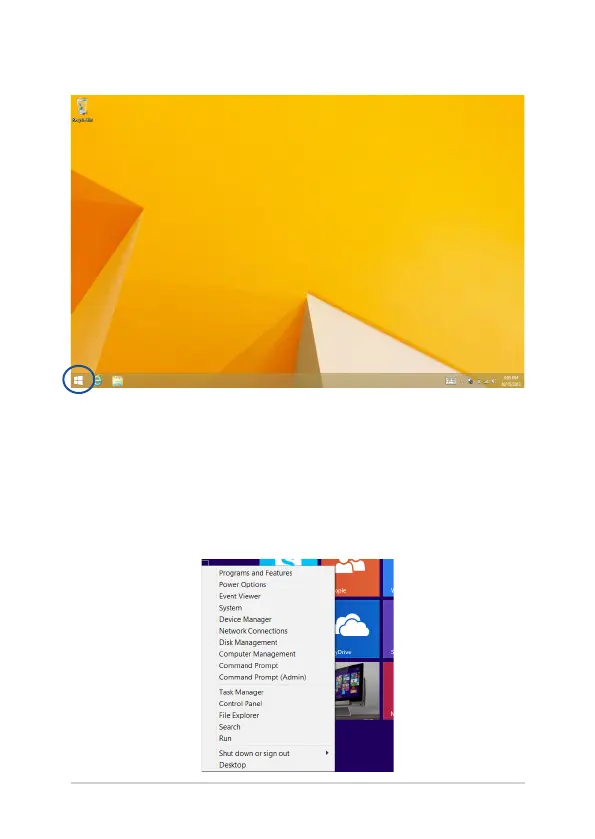
Start button on Desktop mode
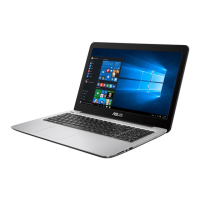
Context menu
The context menu appears as a box lled with quick access to some of
the programs inside Windows® 8.1. The context menu appears when
you right-click on the Start button.
The context menu also includes the following shut down options for
your Notebook PC: sign out, sleep, shut down, restart.


 To Next Page