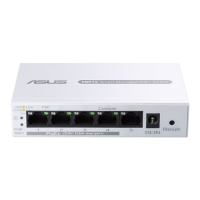
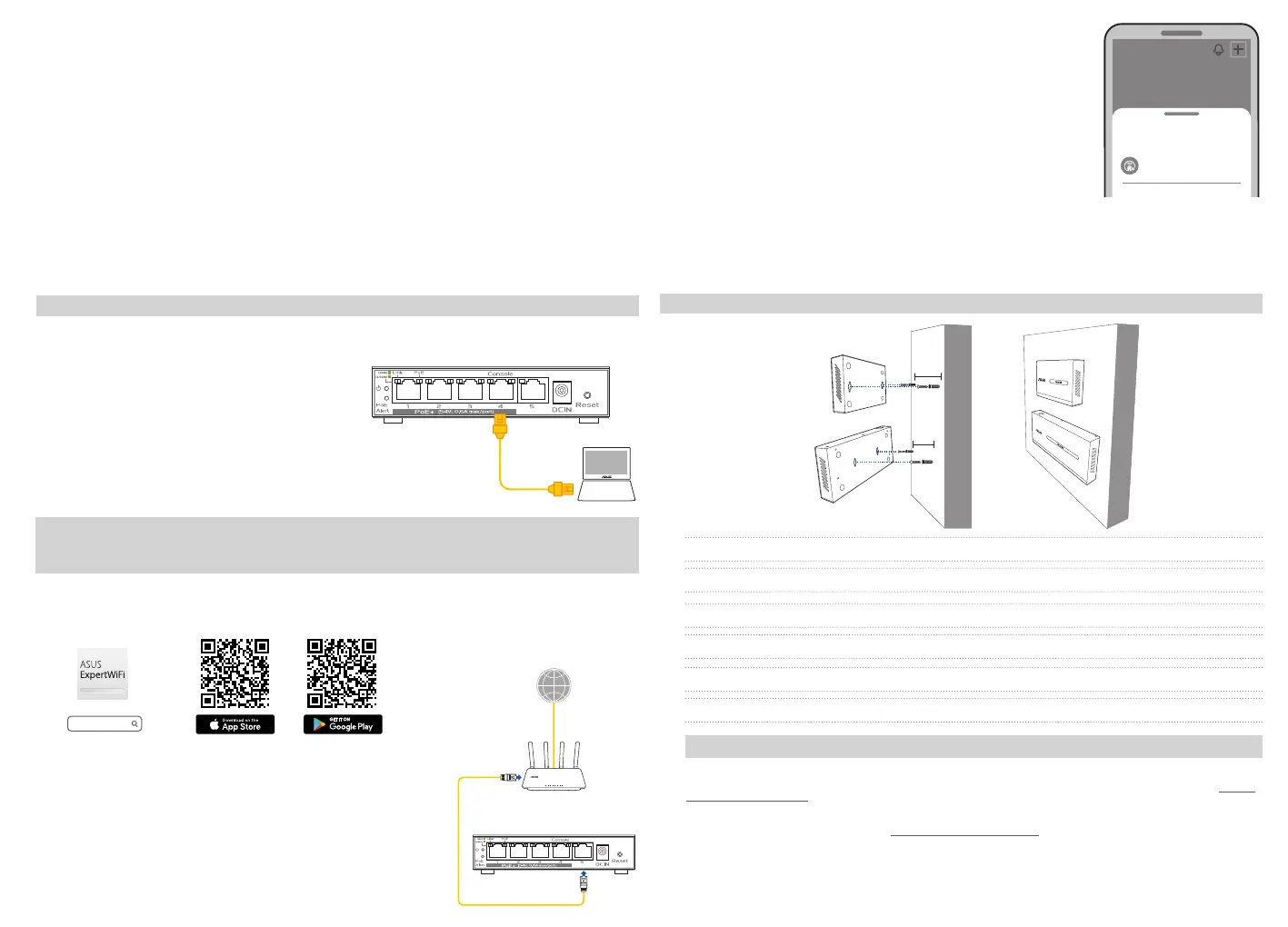
Connect your computer to Port 4 (Console) on the switch, use the static IP address of 192.168.1.50
(switch IP), with a subnet mask of 255.255.255.0
Conecte su computadora al Puerto 4 (Consola) en
el conmutador, utilice la dirección IP estática
de 192.168.1.50 (switch IP), con una máscara de
subred de 255.255.255.0
將電腦連接至交換機上的埠 4(Console 連接
埠),使用靜態 IP 位址 192.168.1.50 (switch IP)
,子網路遮罩為 255.255.255.0
Scan the code and download ASUS ExpertWiFi app for setup
Escanea el código y descarga la aplicación ASUS ExpertWiFi para la instalación
掃碼下載華碩ExpertWiFi應用程式進行設定
ASUS Recycling/Takeback Services
ASUS recycling and takeback programs come from our commitment to the highest standards for protecting our environment. We believe in providing
solutions for you to be able to responsibly recycle our products, batteries, other components, as well as the packaging materials. Please go to http://csr.
asus.com/english/Takeback.htm for the detailed recycling information in dierent regions.
REACH
Complying with the REACH (Registration, Evaluation, Authorisation, and Restriction of Chemicals) regulatory framework, we published the chemical
substances in our products at ASUS REACH website at http://csr.asus.com/english/REACH.htm
Federal Communications Commission Statement
This device complies with Part 15 of the FCC Rules. Operation is subject to the following two conditions:
• This device may not cause harmful interference.
• This device must accept any interference received, including interference that may cause undesired operation.
This equipment has been tested and found to comply with the limits for a class B digital device, pursuant to part 15 of the FCC Rules. These limits are
designed to provide reasonable protection against harmful interference in a residential installation.
IMPORTANT! DO NOT mount this equipment higher than 2 meters.
NOTE: It is recommended to use screws with a size of PA5.7*2mm.
重要! 本產品適用於安裝高度
≤
2m。
注意: 建議使用尺寸為PA5.7*2mm 的螺絲。
¡IMPORTANTE! NO coloque este equipo a una altura mayor que los 2 metros.
NOTA: Se recomienda utilizar tornillos de tamaño PA5.7*2mm.
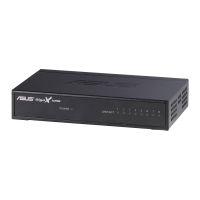
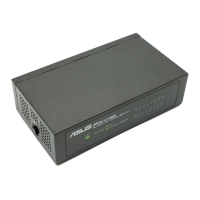
EBG15/EBP15
EBG15/EBP15
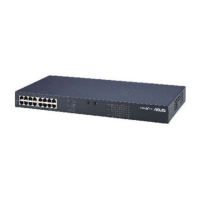
EBG19P
EBG19P
Support Wall Mount
https://asus.click/asusexpertwifii https://asus.click/asusexpertwifia
ASUS ExpertWiFi
Standalone Mode / Modo Independiente / Standalone Mode
ExpertWiFi AiMesh Mode (with ExpertWiFi router only)
Modo ExpertWiFi AiMesh (sólo con enrutador ExpertWiFi)
ExpertWiFi AiMesh 模式(僅限 ExpertWiFi 路由器)
The availability of the product’s software features depends on the main
ExpertWiFi router and is managed by the ExpertWiFi app. Always keep
the rmwares of the ExpertWiFi devices up to date.
La disponibilidad de las funciones de software del producto depende del enrutador ExpertWiFi
principal y se gestiona mediante la aplicación ExpertWiFi. Mantenga siempre actualizados los
rmwares de los dispositivos ExpertWiFi.
產品軟體功能的可用性取決於主ExpertWiFi路由器,並由ExpertWiFiApp管理。請確保所有
ExpertWiFi裝置的韌體保持為最新版本。
1)
Connect the port 5 of EBP15 to the LAN port of an ExpertWiFi
router.
Conecta el puerto 5 del EBP15 al puerto LAN de un enrutador
ExpertWiFi.
將 EBP15 的端口 5 連接到 ExpertWiFi 路由器的 LAN 連接
埠。
2)
EBP15
ExpertWiFi Router
Internet
Launch the ASUS ExpertWiFi app, click “+” on the upper right corner
at the home page and then click “Add AiMesh node”
Inicia la aplicación ASUS ExpertWiFi, haz clic en “+” en la esquina
superior derecha de la página de inicio y, por último, haz clic en
“Añadir nodo AiMesh”.
打開華碩ExpertWiFiApp,點選首頁右上角的「+」,然後點選
「新增AiMesh節點」
3)
The ExpertWiFi switch supports two conguration options:
• Standalone Mode: Congure and manage the switch individually.
• ExpertWiFi AiMesh Mode (with ExpertWiFi router only): Congure and manage the network
devices centrally via ASUS AiMesh system. It is recommended for use in a network consisting of
numerous devices such as ExpertWiFi routers, ExpertWiFi switches and ExpertWiFi access points.
El conmutador ExpertWiFi admite dos opciones de conguración:
• Modo Independiente: Congura y gestiona el conmutador de forma individual.
• Modo ExpertWiFi AiMesh (sólo con enrutador ExpertWiFi): Congura y gestiona los
dispositivos de red de forma centralizada a través del sistema ASUS AiMesh. Se recomienda para
el uso en una red formada por numerosos dispositivos como enrutadores ExpertWiFi,
conmutadores ExpertWiFi y puntos de acceso ExpertWiFi.
ExpertWiFi 交換機支援兩個設定選項:
•獨立模式:單獨設定和管理交換機。
• ExpertWiFi AiMesh 模式(僅限 ExpertWiFi 路由器):透過華碩AiMesh系統集中設定和管
理網路裝置,建議在由眾多裝置組成的網路中使用,例如ExpertWiFi路由器、ExpertWiFi交
換機和ExpertWiFi存取點。


 To Previous Page
 Loading...