EasyManua.ls Logo

Asus GigaX1008 - User Manual

Asus GigaX1008
6 pages
Print Icon
To Next Page IconTo Next Page
Loading...
®
Quick Installation GuideQuick Installation Guide
Quick Installation Guide
In 10 LanguagesIn 10 Languages
In 10 Languages
First Edition V1
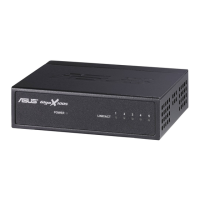
Networking Switch
Question and Answer IconNeed help?

Do you have a question about the Asus GigaX1008 and is the answer not in the manual?

Summary

Technical Specifications

English User Guide

Package Contents

Lists the items included with the ASUS GigaX1008 networking switch.

Connecting Computers to the Switch

Details how to connect network devices using the switch's auto-MDI/MDIX feature.

Powering On the Switch

Step-by-step instructions for connecting and powering on the device.

Front Panel LED Indicators

Explanation of the status lights on the front panel of the switch.

Rear Panel Ports and Power

Identifies the rear panel ports and the power connection for the switch.
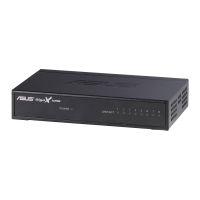
Asus GigaX1008 Specifications

General IconGeneral
BrandAsus
ModelGigaX1008
CategorySwitch
LanguageEnglish

Related product manuals