EasyManua.ls Logo

Asus GIGAX 1005B - User Manual

Asus GIGAX 1005B
46 pages
Print Icon
To Next Page IconTo Next Page
Loading...
EspañolTürkçe
Русский
繁體中文
简体中文
日本語
Italiano Deutsch EnglishFrançais
한국어
®
Q3563
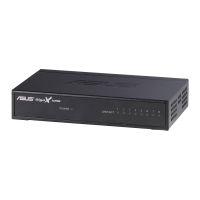
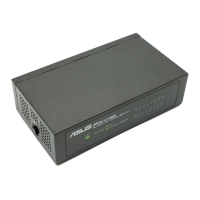
GigaX 1008B
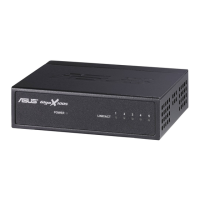
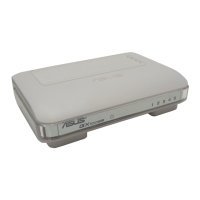
GigaX 1005B
10/100Mbps Fast Ethernet Switch
Quick Installation Guide
Copyright © 2007 ASUSTeK COMPUTER INC.
All Rights Reserved.
Question and Answer IconNeed help?

Do you have a question about the Asus GIGAX 1005B and is the answer not in the manual?

Summary

Introduction

Features

Auto-negotiation

Allows the switch to automatically negotiate the highest possible common transmission speed between two devices.

Auto MDI;MDI-X Function

Allows using each port to connect to another switch or hub without a crossover RJ-45 cable.

Plug-and-Play

The device requires no software and is compliant with all network protocols.

Store-and-Forward Switching Mode

Promises low latency and eliminates network errors like runt and CRC packets.

Dedicated 10;100 Mbps Connection

Provides a dedicated 10/100Mbps connection to each client without bandwidth congestion.

Package Contents

Technical Specifications

Front Panel LED Indicators

LED Status and Description

Explains the meaning of POWER and LINK/ACT LEDs for GX1008B.

Rear Panel Ports

Rear Panel Ports Description

Details the function of ports 1-8, power port, and 1H port on GX1008B.
Connecting Computers to the Switch

Powering On

Warranty Information

Asus GIGAX 1005B Specifications

General IconGeneral
BrandAsus
ModelGIGAX 1005B
CategorySwitch
LanguageEnglish

Related product manuals