2-4
Chapter 2: Knowing the Parts
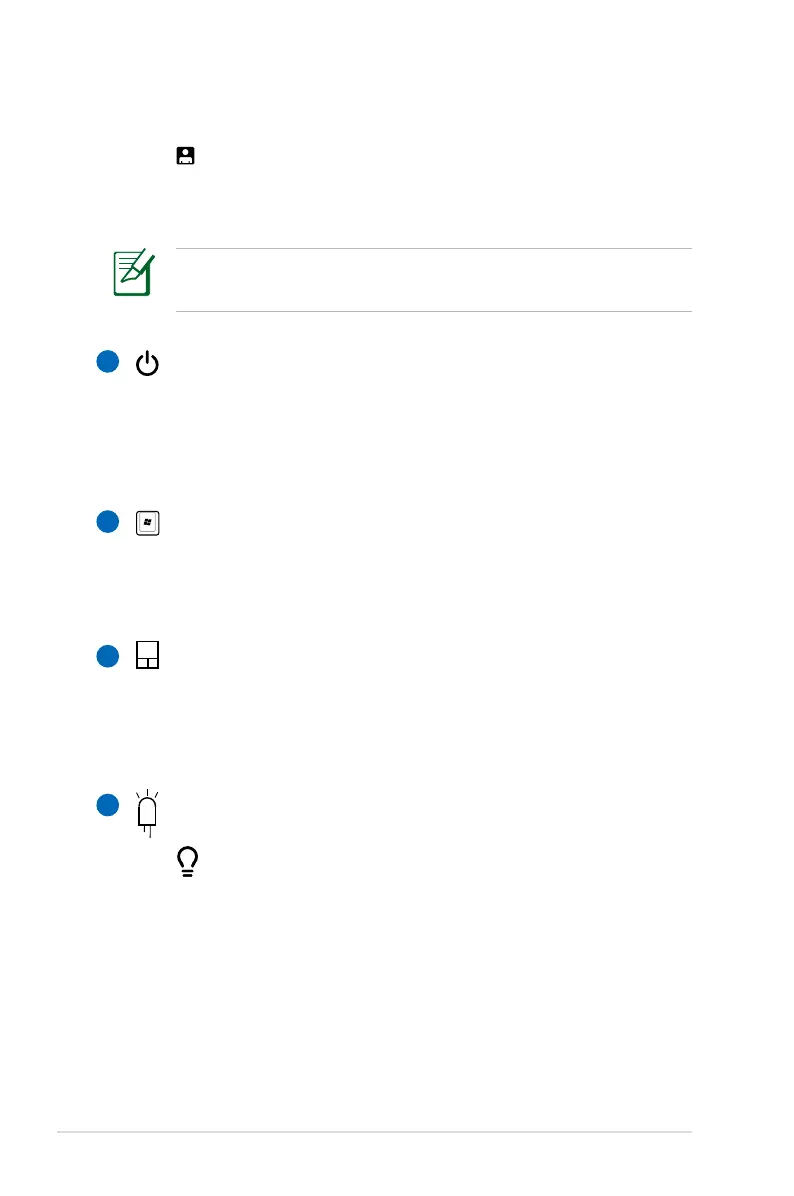
User-defined Key
This key is reserved for customized definition. The
default definition is for launching Internet Explorer.
Power Switch
The power switch allows powering ON and OFF the Eee PC
and recovering from STR. Press the switch once to turn ON
and hold it to turn OFF the Eee PC. The power switch only
works when the display panel is opened.
Keyboard
The keyboard provides keys with comfortable travel (depth
at which the keys can be depressed) and palm rest for both
hands.
Touchpad and Buttons
The touchpad and its buttons comprises a pointing device
that provides the same functions as a desktop mouse.
Multi-finger gesture input is available to allow easy web
and document navigation.
Status Indicators (front)
Only models with built-in wireless LAN and Bluetooth supoort
the user-defined key for Skype.
5
6
7
8
Power Indicator
The power indicator lights when the Eee PC is turned
ON and blinks slowly when the Eee PC is in the Save-
to-RAM (Suspend) mode. This indicator is OFF when
the Eee PC is turned OFF.



 To Next Page