ASUS Eee PC
4-19
Using data connection
Before using 3.5G data connection, ensure you have applied 3G
data connection service from your Internet Service Provider (ISP).
Regulations prohibit using 3.5G data connection while in the air.
Switch off your 3.5G data connection before boarding an aircraft.
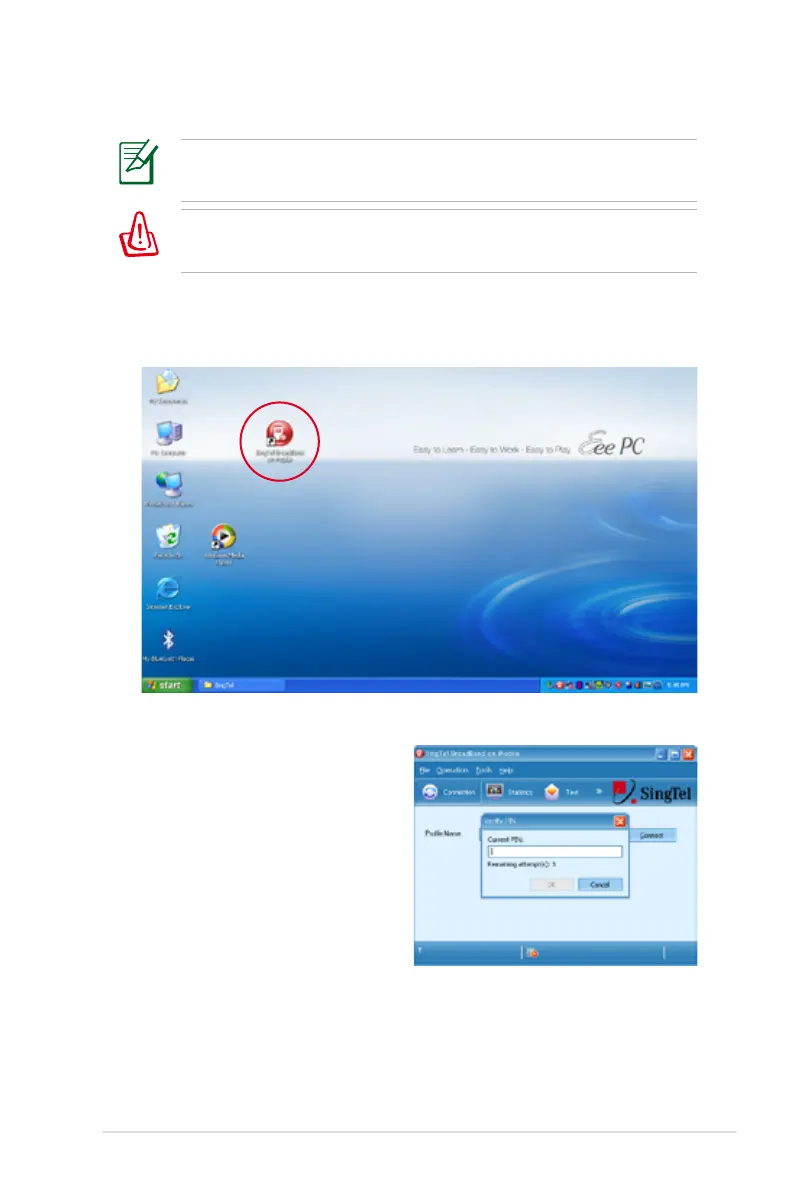
To use data connection
1. Double-click SingTel BroadBand on Mobile on the desktop.
2. Enter the PIN code of your
SIM card if prompted.















 To Next Page