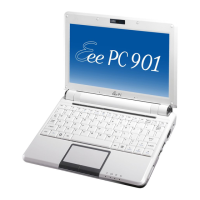
ASUS Eee PC
2-5
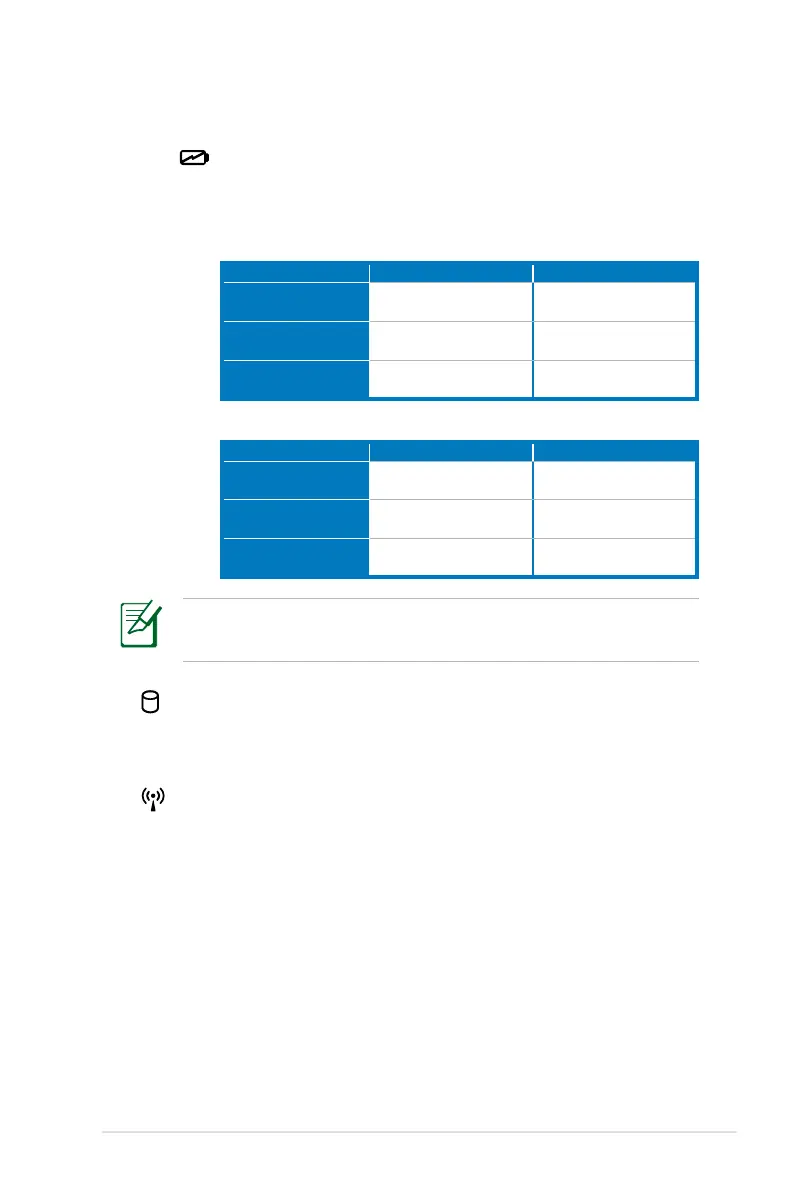
Battery Charge Indicator
The battery charge indicator (LED) shows the status of
the battery’s power as follows:
Powered ON
AC Mode Battery Mode
Battery charge is
between 100%–80%
Orange ON Green ON
Battery charge is
between 80%–10%
Orange Blinking Slowly Green Blinking Slowly
Battery charge is
less than 10%
Orange Blinking Quickly Green Blinking Quickly
Standby Mode / Powered OFF
AC Mode Battery Mode
Battery charge is
between 100%–80%
Orange ON Off
Battery charge is
between 80%–10%
Orange Blinking Slowly Off
Battery charge is
less than 10%
Orange Blinking Quickly Off
The Battery Charge Indicator will not light when the battery is
removed from your Eee PC.
Solid-State disk (SSD) Indicator
The solid-state disk drive indicator blinks when data is
written to or read from the disk drive.
Wireless/Bluetooth Indicator
This is only applicable on models with built-in wireless
LAN/Bluetooth. When the built-in wireless LAN/Bluetooth is
enabled, this indicator lights.



 To Next Page