3-16
Chapter 3: Getting Started
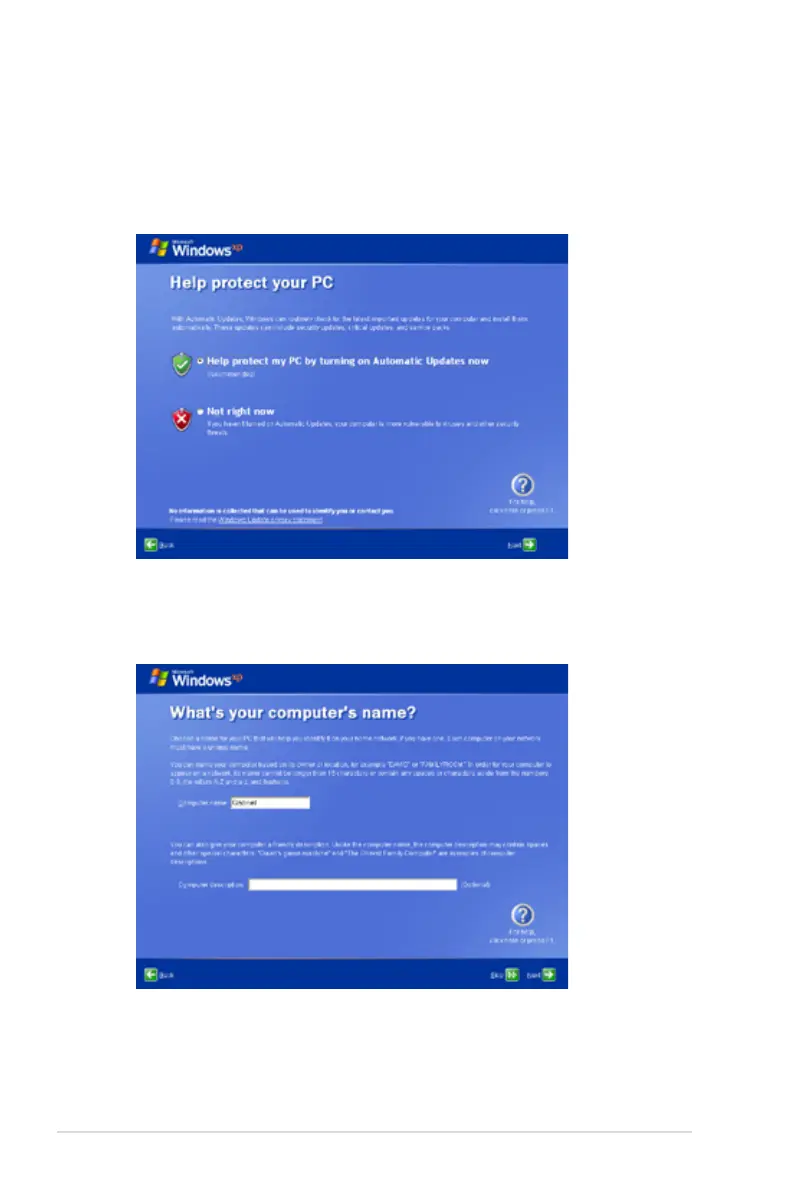
5. Click Help protect my PC by turning on Automatic Updates
now to get the latest important updates and click Next to
continue.
6. Type your computer’s name in the Computer name box and
click Next to continue.
7. Follow the on-screen instructions to register with Microsoft and
finish the initialization.















 To Next Page