20
2 Knowing the Parts
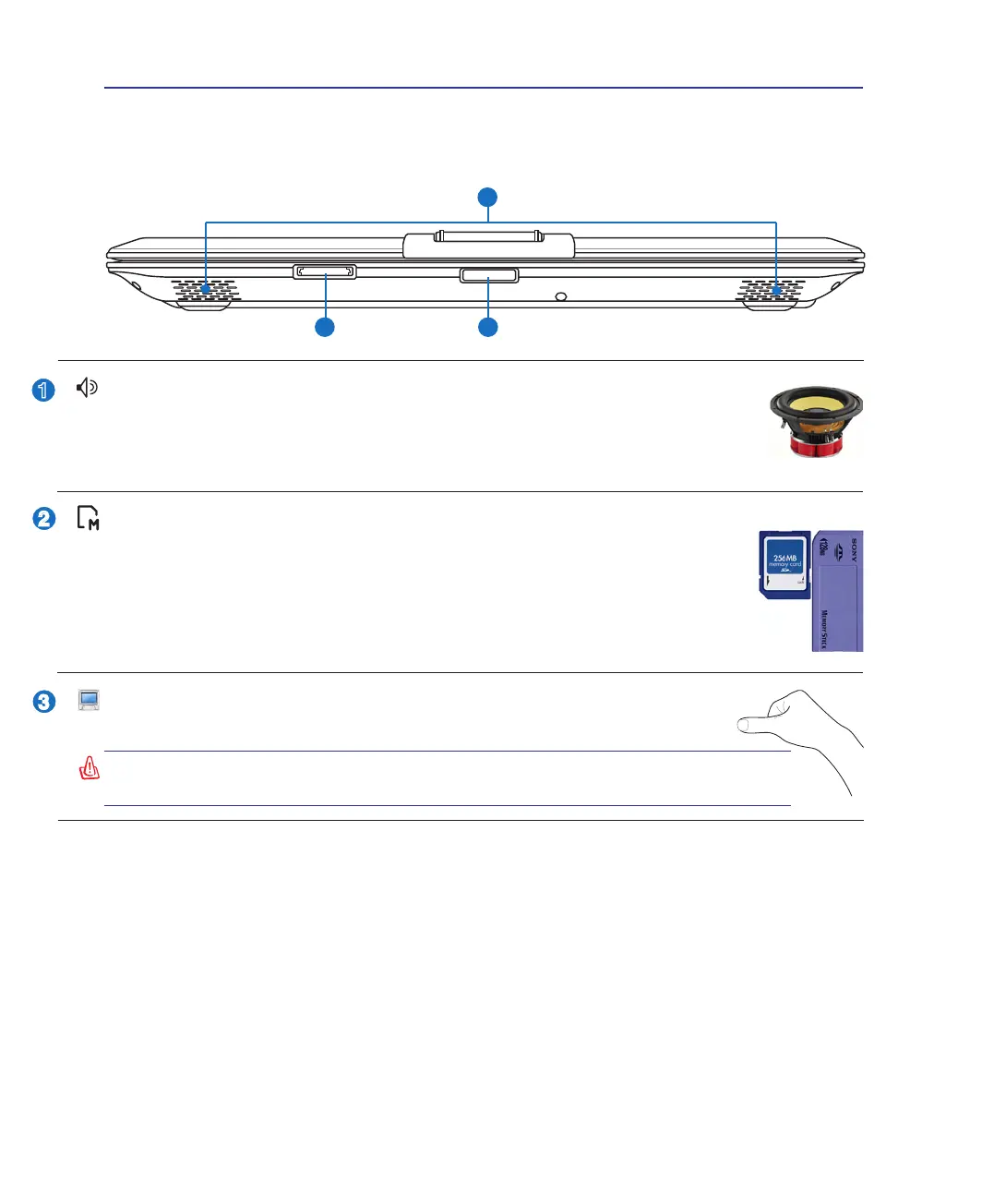
Audio Speaker System
The built-in stereo speaker system allows you to hear audio without additional attachments.
The multimedia sound system features an integrated digital audio controller that produces
rich, vibrant sound (results improved with external stereo headphones or speakers). Audio
features are software controlled.
Front Side
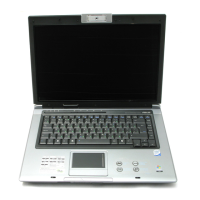
Refer to the diagram below to identify the components on this side of the Notebook PC.
WARNING! When opening, do not force the display panel down to the table or
else the hinges may break! Never lift the Notebook PC by the display panel!
Display Panel Button
Press the display panel button to open the display panel.
Flash Memory Slot
Normally a PCMCIA or USB memory card reader must be purchased separately in
order to use memory cards from devices such as digital cameras, MP3 players, mobile
phones, and PDAs. This Notebook PC has a built-in memory card reader that can read
many ash memory cards as specied later in this manual. The built-in memory card reader is
not only convenient, but also faster than most other forms of memory card readers because it
utilizes the high-bandwidth PCI bus.


 To Next Page