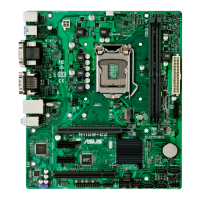
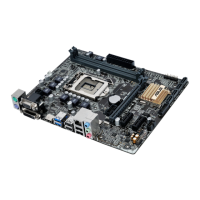
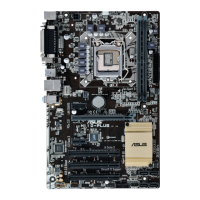
ASUS H110-PLUS
1-1
Product introduction
1
Motherboard overview
• Unplugthepowercordfromthewallsocketbeforetouchinganycomponent.
• Beforehandlingcomponents,useagroundedwriststraportouchasafelygrounded
objectorametalobject,suchasthepowersupplycase,toavoiddamagingthemdue
tostaticelectricity.
• Beforeyouinstallorremoveanycomponent,ensurethattheATXpowersupplyis
switchedofforthepowercordisdetachedfromthepowersupply.Failuretodoso
maycauseseveredamagetothemotherboard,peripherals,orcomponents.
• Unplugthepowercordbeforeinstallingorremovingthemotherboard.Failuretodoso
cancauseyouphysicalinjuryanddamagetomotherboardcomponents.
Place this
side towards
the rear of the
chassis
ScantheQRcodetogetthedetailedpindenitions.
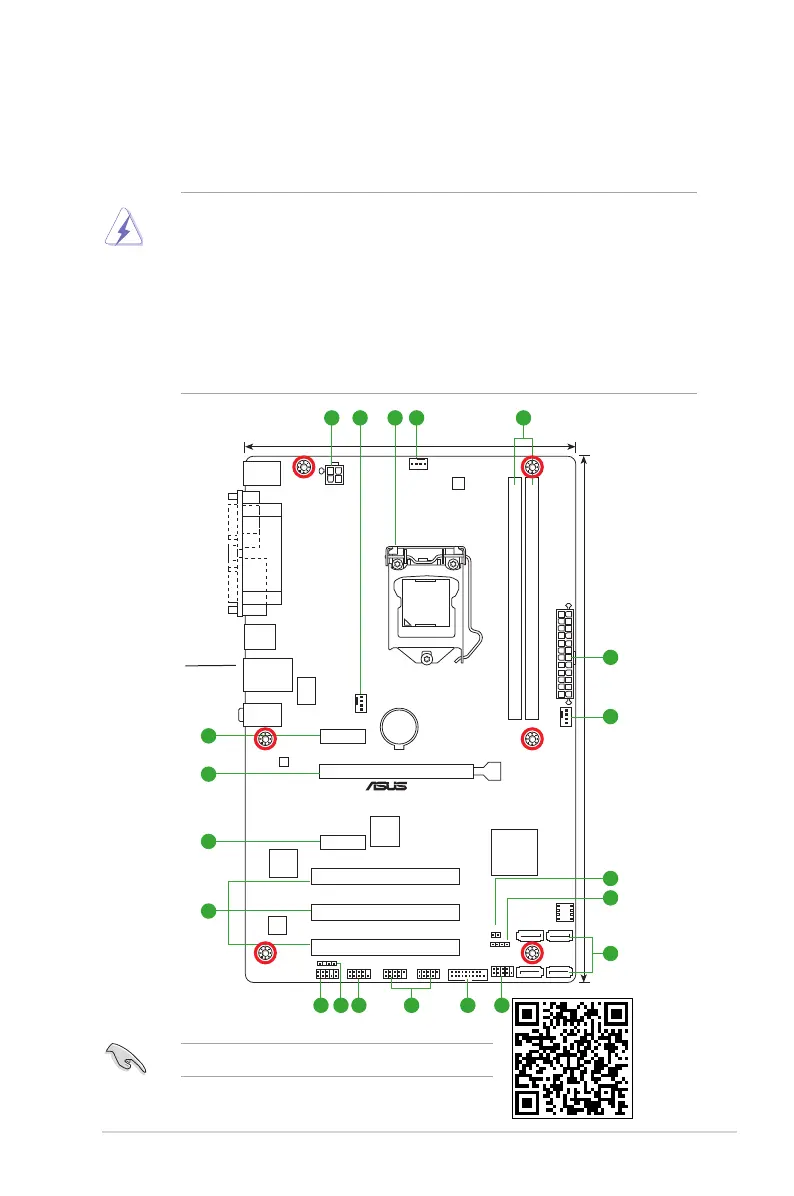
H110-PLUS
PCIEX16_1
PCI2
PCI1
PCI3
PCIEX1_2
PCIEX1_1
Realtek
8111H
LANGuard
ASM
1083
USB56 USB910
AAFP
EATXPWR
BATTERY
Super
I/O
ALC
887
KBMS
ATX12V
CLRTC
19cm(7.5in)
DDR4 DIMM_A1 (64bit, 288-pin module)
DDR4 DIMM_B1 (64bit, 288-pin module)
LAN_USB78
USB3_34
CHA_FAN2
CHA_FAN1
CPU_FAN
30.5cm(12in)
LGA1151
DIGI
+VRM
COM
SPDIF_OUT
SPEAKER
USB3_12
Intel
®
H110
128Mb
BIOS
F_PANEL
AUDIO
SATA6G_4SATA6G_3
SATA6G_2SATA6G_1
LPT
VGA
DVI
21 3 2 4
8910111213
14
2
1
6
5
6
7
15
16
15


 To Next Page