Need help?
Do you have a question about the Asus HZ-1 and is the answer not in the manual?
Explains symbols like DANGER, CAUTION, IMPORTANT, and NOTE for safe operation.
Lists ASUS websites and local technical support for additional product information.
Details compliance with the REACH regulatory framework for chemicals.
Cautions against disposing the product and battery in municipal waste.
Information regarding ASUS recycling and takeback programs for responsible disposal.
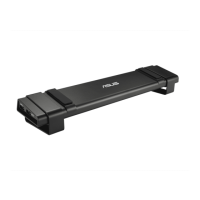
Lists all items included in the docking station package.
Provides a summary of the docking station's technical specifications.
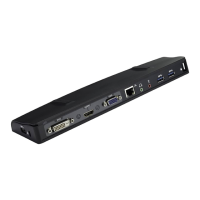
Visual diagram showing the physical layout of ports and features.
Detailed explanation of each port's function and connectivity.
Step-by-step guide for installing the necessary software drivers.
Instructions for connecting the power adapter and USB cable.
Guide on how to connect monitors using VGA, HDMI, or DVI-D cables.
Explains dual output connection modes like VGA+HDMI and HDMI+DVI-D.
Table illustrating connection types and converter requirements for video outputs.
Steps to access the DisplayLink manager menu from the taskbar icon.
Manage displays using Windows utility via DisplayLink for enhanced settings.
Lists and explains submenus for optimizing docking station settings like resolution, rotation, and display modes.
How to use an external monitor to expand your desktop workspace.
Explains the DisplayLink software icon and its function for external displays.
How to duplicate your desktop area onto an external monitor.
Describes how settings are automatically adjusted in Mirror mode.
Instructions for connecting to a LAN or modem using an RJ-45 cable.
Explains the meaning of the yellow and green LEDs on the LAN port.
Steps to resolve issues if unable to connect to the internet.
Crucial warnings before disconnecting the docking station to prevent data loss or damage.
Procedure for safely disconnecting the docking station from the computer and power.
 General
| Brand | Asus |
|---|---|
| Model | HZ-1 |
| Category | Docking Station |
| Power Delivery | No |
| Ports | HDMI, Ethernet |

 To Next Page