1-3
ASUS LCD Monitor MX299Q
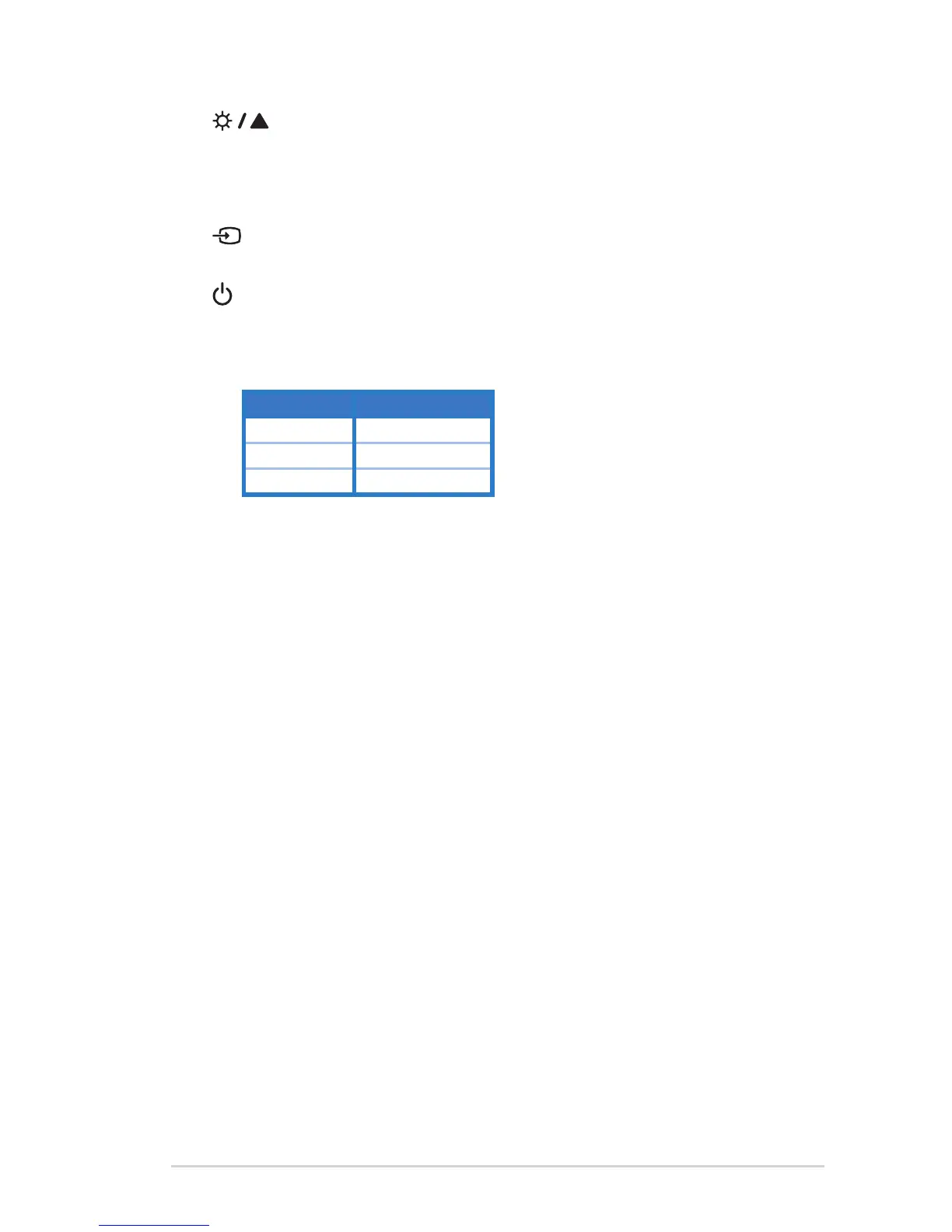
5. Button:
• Press this button to increase the value of the function selected or move to
the previous functions.
• This is also a hotkey for Brightness adjustment.
6. Input Select Button:
• Use this hotkey to switch from input signal.
7. Power Button/Power Indicator:
• Press this button to turn the monitor on/off.
• The color definition of the power indicator is as the below table.
Status Description
White ON
Amber Standby mode
OFF OFF


 To Next Page